1
Calculator
Calculator
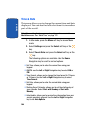
With this feature, you can use the phone as a calculator.
The calculator provides the basic arithmetic functions;
addition, subtraction, multiplication, and division.
1. Enter the first number using the numeric keys.
Note: To include a decimal point or a bracket, press the left soft key until
the symbol you want displays.
3. Enter the second number.
4. To view the result, press the
key.
Repeat steps 1 to 4 as many times as required.
Using Record Audio
You can record voice memos. After recording, you can
send the memo to other people via the Multimedia
Message Service.
Record Audio
Record Audio allows you to record voice memos.
Recording time is limited to free memory space available.
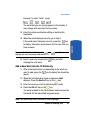
1. To start recording, press the
key.
2. Record a memo by speaking into the microphone.
3. Press the
to stop and restart recording or press the
Stop soft key to save recording.
Section 9: Personal Assistant
139
Section 9
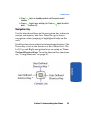
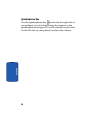
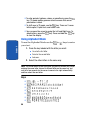
2. Enter the operation for your calculation by pressing the
Navigation keys, according to the illustration on the
display.