1
Introduction & Contents
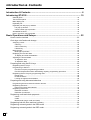
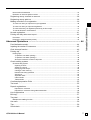
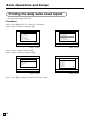
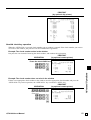
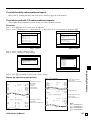
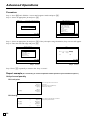
To print the daily sales read/reset report ......................................................................................... 85
To print the periodic 1/2 sales read/reset reports ............................................................................ 85
Procedure ................................................................................................................................... 85
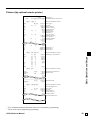
Report (by optional remote printer) ............................................................................................85
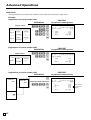
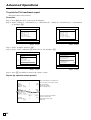
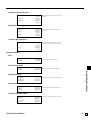
To print the PLU read/reset report ................................................................................................... 86
Procedure ................................................................................................................................... 86
Report (by optional remote printer) ............................................................................................86
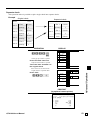
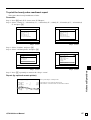
To print the hourly sales read/reset report ...................................................................................... 87
Procedure ................................................................................................................................... 87
Report (by optional remote printer) ............................................................................................87
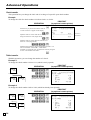
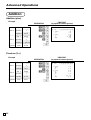
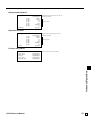
To print the monthly sales read/reset report.................................................................................... 88
Procedure ................................................................................................................................... 88
Report (by optional remote printer) ............................................................................................88
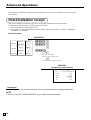
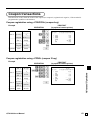
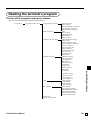
Reading the terminal's program ............................................................................................ 89
The tree of P6 (program read) menu window ................................................................................. 89
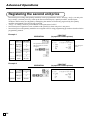
Procedure ........................................................................................................................................ 90
Report example ...............................................................................................................................90
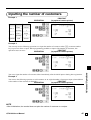
Unit price and quantity ............................................................................................................... 90
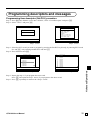
Item descriptor ............................................................................................................................ 91
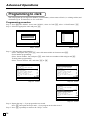
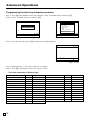
Character and Message ............................................................................................................. 92
Clerk ...........................................................................................................................................92
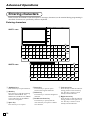
Key feature ................................................................................................................................. 92
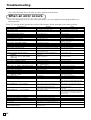
Troubleshooting ................................................................................................. 94
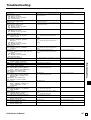
When an error occurs ............................................................................................................ 94
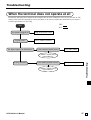
When the terminal does not operate at all ............................................................................. 97
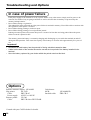
In case of power failure .......................................................................................................... 98
Options .................................................................................................................................. 98
Specifications ..................................................................................................... 99
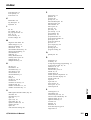
Index .................................................................................................................. 100
QT-6100 User's Manual
9
E