1
42″ LCD TV
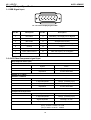
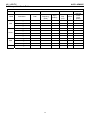
2.3 How to Connect
AOC L42W665
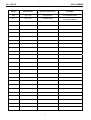
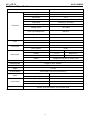
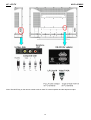
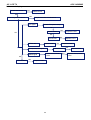
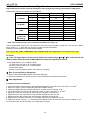
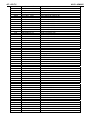
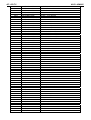
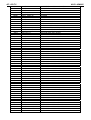
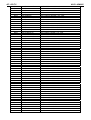
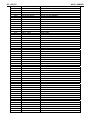
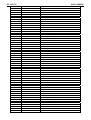
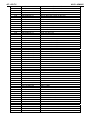
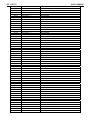
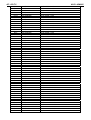
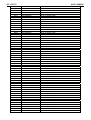
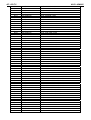
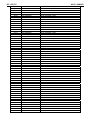
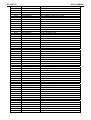
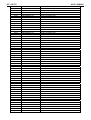
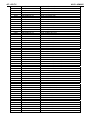
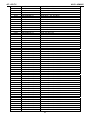
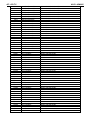
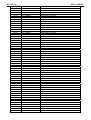
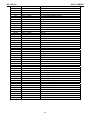
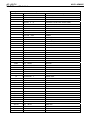
There are several ways to connect your TV. Please use the following chart to determine which connection is best
for you.
Once your equipment is connected, use the following procedure to view the input signal:
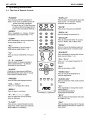
Press the source button on the remote controller to select the relevant source to view. (ex: Press VIDEO button to
select “Video1 Composite Rear” if you have connected a DVD player to Video1 Composite socket.) "HDMI, the
HDMI logo and High-Definition Multimedia Interface are trademarks or registered trademarks of HDMI Licensing
LLC."
13