1
18
Your mini TV setting
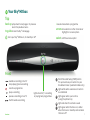
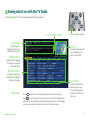
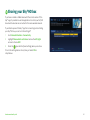
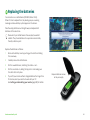
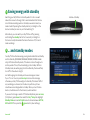
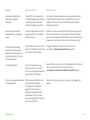
Turning the mini TV off removes the mini tv picture in your Sky Guide
and mutes the programme audio.
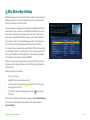
To turn your mini tv off:
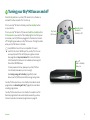
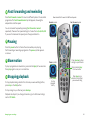
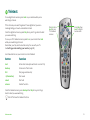
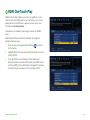
1Press services (for Options), press down then select the
Customise tab.
2Under Mini TV Mode, press left/right to choose OFF.
The mini TV disappears and the programme audio is muted.
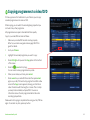
3
Press the
green button to confirm (Save Settings).
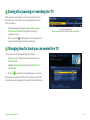
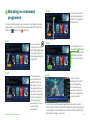
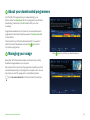
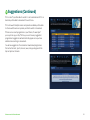
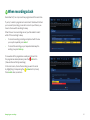
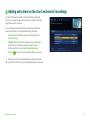
Sky Guide page with mini TV disabled
Get the most from Sky±HD
85