1
MD-MT280E
Titling a MiniDisc (continued)
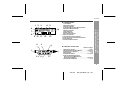
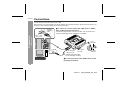
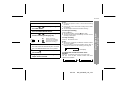
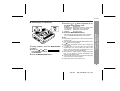
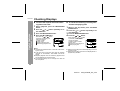
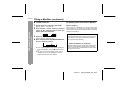
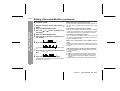
! To add characters
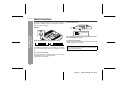
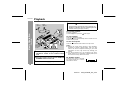
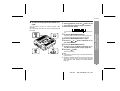
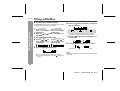
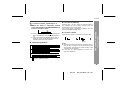
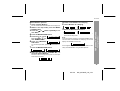
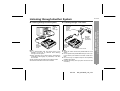
! Stamping titles from another MiniDisc
1
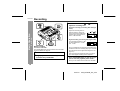
Before stamping
Put the unit in the character input mode.
(Perform steps 1 - 5 on page 34.)
Press the VOL + or VOL - button to move the
cursor to the character before which you
want to add a new character.
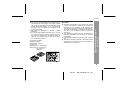
When there are 2 MiniDiscs on which the same tracks
are recorded, you can transfer the character information
(disc and track names) of the master MiniDisc to another
MiniDisc (for stamping).
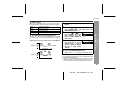
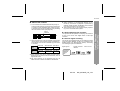
1. What is a master MiniDisc?
-Titling a MiniDisc-
Advanced Features
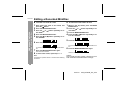
2
3
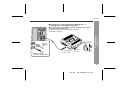
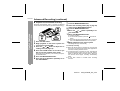
Select the character to add.
(Perform steps 6 - 8 on page 34.)
4
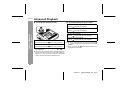
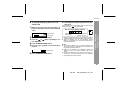
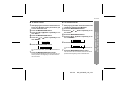
Press and hold down the MENU/ENTER button for 2 seconds or more.
A recordable MiniDisc that contains tracks and character information. (You cannot transfer the information
from a playback-only MiniDisc.)
2. What is a MiniDisc for stamping?
" "TOC" will be displayed. To write the updated contents to the MiniDisc, press the :OFF/HOLD button.
" You cannot remove the MiniDisc whilst "TOC" is
displayed. "TOC" will not disappear until the recorded contents have been updated.
A MiniDisc that contains the same tracks in the same order as the master MiniDisc. (Make sure that the total
number of tracks of the master MiniDisc and the one for
stamping are the same.)
36
03/1/16
MD_MT280E_UK_5.fm