1
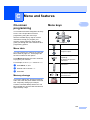
Menu and features
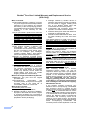
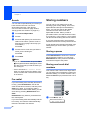
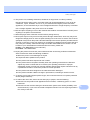
Repeating letters
To enter a character on the same key as the previous character, press c to move the cursor right
before pressing the key again.
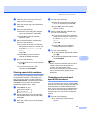
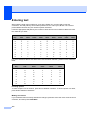
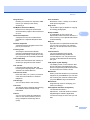
Special characters and symbols
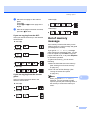
Press l, # or 0, then press d or c to move the cursor to the symbol or character you want.
Press OK to choose it. The symbols and characters below will appear depending on your menu
selection.
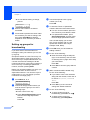
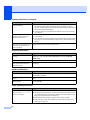
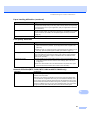
Press l
for
(space) ! " # $ % & ' ( ) l + , - . / m
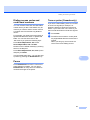
Press #
for
:;<=>?@[]^_¥~‘|{}
Press 0
for
ÉÀÈÊÎÇËÖ0
151
C