1
Monitoring device values and status <Device monitor>
Frequently-used functions
Device registration with ladder monitor display
Specify the range of the ladder diagram on the ladder monitor screen and register the devices in a
batch.
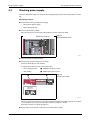
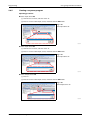
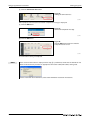
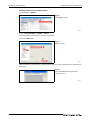
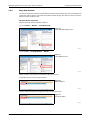
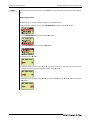
Select Online Monitor Start Monitoring.
Fig. 3-23:
Select "Start Monitoring" menu
000060a
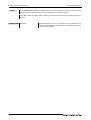
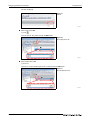
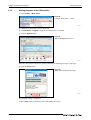
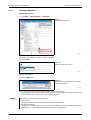
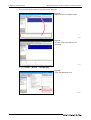
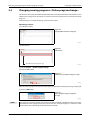
Select View Docking Window Watch1.
Fig. 3-24:
Select "Watch1" menu
000064a
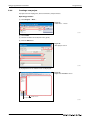
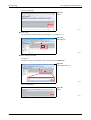
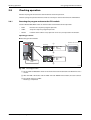
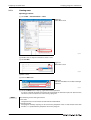
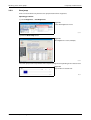
Click the start point of the ladder.
Click the end point of the ladder while pressing the [Shift] key. The range is specified.
Fig. 3-25:
Specify the range on the ladder monitor
screen
000068a
MELSEC-L Series Quick start guide
3 - 11