1
GMC IntelliLink Infotainment System (GMNA-Localizing-U.S./Canada7639691) - 2015 - CRC - 5/5/14
54
Black plate (54,1)
Infotainment System
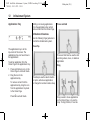
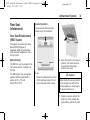
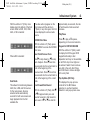
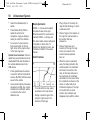
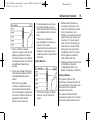
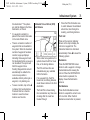
3D View
The 3D View is a Heading Up view
but it includes perspective. Map
items will appear larger as the
vehicle comes closer.
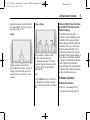
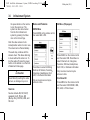
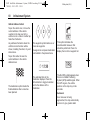
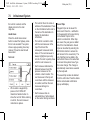
Heading Up View
The Heading Up View keeps the
vehicle's current heading at the top
of the view. The vehicle icon always
faces the top of the view as the map
rotates.
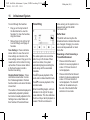
North Up View
The North Up View keeps north at
the top of the view. The vehicle icon
is placed in the center of the view
and rotates to indicate the heading
for the vehicle.
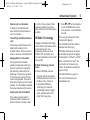
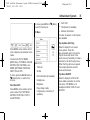
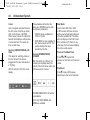
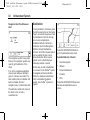
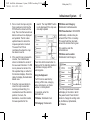
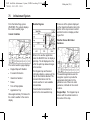
Audio Information On/Off
Press to turn the audio information
view on or off from the main map
view. When ON, the audio
information becomes an audio
status screen. This allows for two
lines of audio information in the
status pane and enables the use of
some Interaction Selector controls.
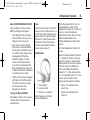
Day/Night Mode
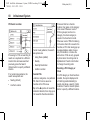
The audio status screen contains
the following elements:
.
Station Frequency
.
Artist Information
.
Song Information
.
r / j or t / u Station and
Channel Controls
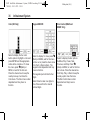
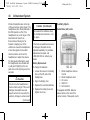
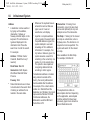
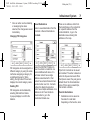
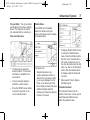
Press to access the Day/Night
Mode menu.
Press the t / u Station controls to
go to the next or previous strong
signal station or digital channel.
The options are:
.
Day Mode: Brightens the map
background.
When the audio status pane
displays Artist and Song
Information, press the t / u
controls to go to the next or
previous track based on the current
media mode.
.
Night Mode: Darkens the map
background.
.
Automatic: Adjusts the screen
background automatically
depending on the exterior
lighting conditions.