1
2.3.1 Switch channels
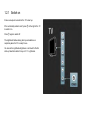
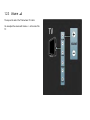
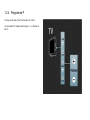
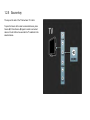
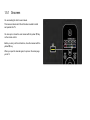
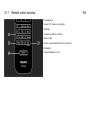
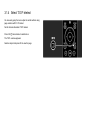
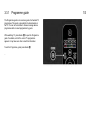
To switch TV channels, press P + or — on the remote control.
You can use the number keys if you know the channel number.
To switch back to the previous viewed channel,
press Back b.
If digital broadcasting is available, digital radio stations are
installed during installation. Switch to a radio channel as you
would do for TV channels. Radio stations usually start from
channel number 400 onwards.
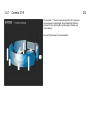
Channel overview
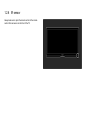
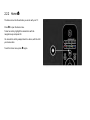
While watching TV, press OK to open the Channel overview.
Select the channel with the navigation keys and press OK to
switch to the channel.
To leave the channel overview without changing the channel,
press Back b.