1
Command Control via the Network
Command Control via the Network
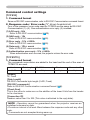
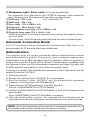
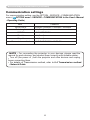
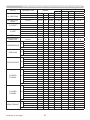
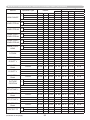
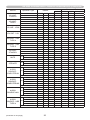
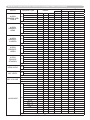
When the projector connects network, the projector can be controlled with RS232C commands from the computer with web browser.
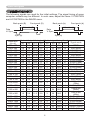
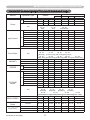
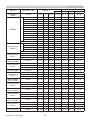
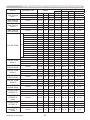
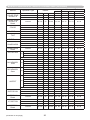
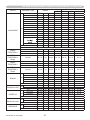
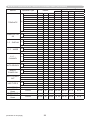
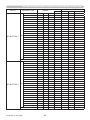
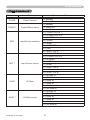
For details of RS-232C commands, refer to RS-232C Communication / Network
command table (&17).
Connection
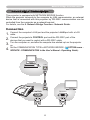
1. Turn off the projector and the computer.
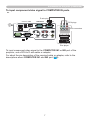
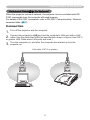
the projector's LAN port and the computer's LAN port with a LAN
2. Connect
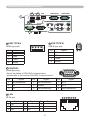
cable. Use the cable that fulfills the specification shown in figure (Use CAT-5
or greater LAN Cable when LAN ports are used )
Turn the computer on, and after the computer has started up turn the
projector on.
3.
LAN cable (CAT-5 or greater)
LAN
LAN
11