1
FLASH
STEP 6
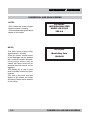
NOTE:
9
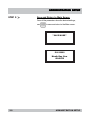
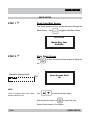
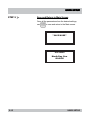
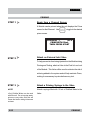
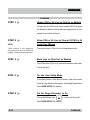
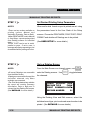
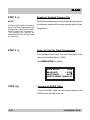
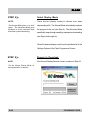
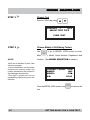
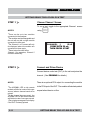
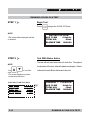
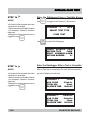
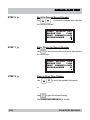
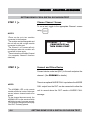
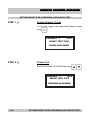
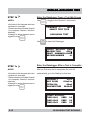
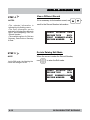
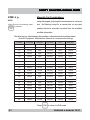
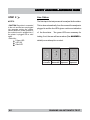
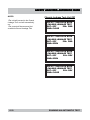
Start the Flash Program
On the on-site computer, start the Flash Programmer.
CThe Flash Programmer should be
able to be run form the Start menu:
Start/Programs/Flash Programmer.
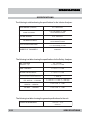
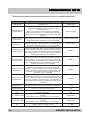
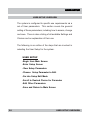
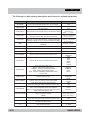
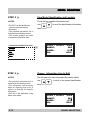
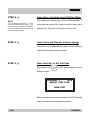
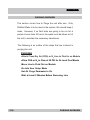
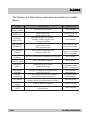
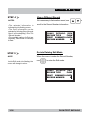
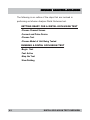
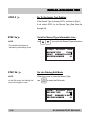
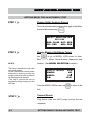
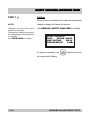
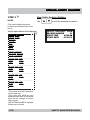
AVAILABLE SETTINGS OPTIONS
Com P
or t
Por
Display Mode
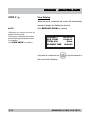
Save Settings on Exit
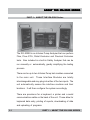
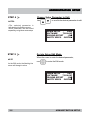
STEP 7
NOTE:
9
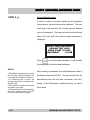
CThe Com Port number is determined
by what port the RS232 cable is
connected to on the on-site computer.
L
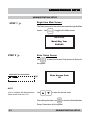
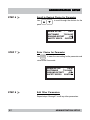
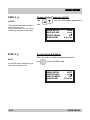
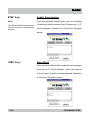
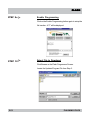
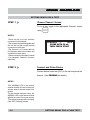
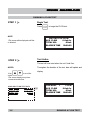
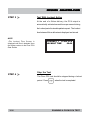
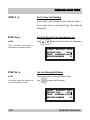
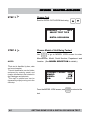
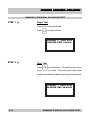
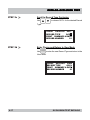
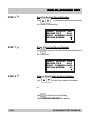
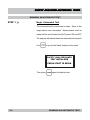
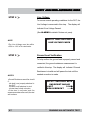
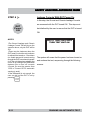
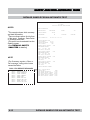
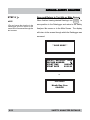
Verify Com Port Setup
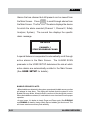
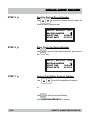
From the Settings Option in the Flash Programmer window,
select Com Port to enter the Communications Setup screen.
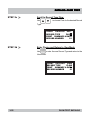
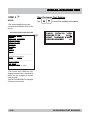
Verify the COM Port is correct and the Desired Speed is
115200. Change any information if necessary.
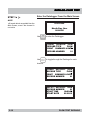
Click Return to go back to the Flash Programmer screen.
2-48
FLASHING FILES