1
q
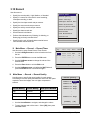
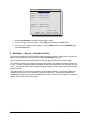
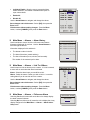
Main Menu → Record → Record Mode
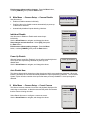
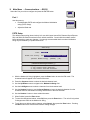
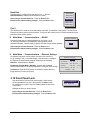
Use this menu to specify how the unit will handle data overwrite
issues once the hard disk becomes full.
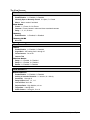
No overwrite
Write once
No Overwrite:
•
•
•
Continuous
Recording starts at the end of the last recording.
Recording stops when disk becomes full.
When the hard disk becomes full, the unit displays an on-screen message indicating that the
device is full and that the archive device has stopped recording. The user must acknowledge the
message by pressing the Enter button.
Write Once:
•
Recording starts at the end of the last recording.
•
•
Recording stops when disk becomes full.
The user is prompted to authorize overwriting old data.
Continuous:
q
•
•
Recording starts at the end of the last recording.
Unit overwrites all previously recorded data, overwriting the oldest data first.
•
The unit does not stop recording when disk becomes full.
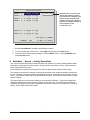
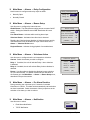
Main Menu → Record → Record Lock
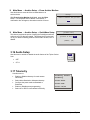
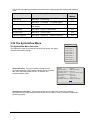
The Record Lock feature prevents Recording from being halted from the Front Panel.
Turning this feature ON automatically starts the unit recording.
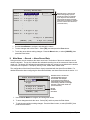
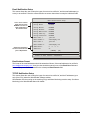
Main Menu → Record → Disk Maintenance
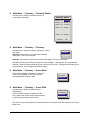
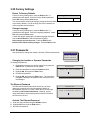
Use the Up/Down arrows to select from the following options, then press the
Enter button to begin.
Delete
Delete: Delete all data from the hard disk (with the possibility of restoring it).
UnDelete
Undelete: Restore data that has been deleted, but not yet overwritten.
Destroy
Destroy: Erase all data from the hard disk permanently, without the possibility
of restoring it. Selecting this option brings up a confirmation dialog box.
q
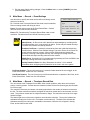
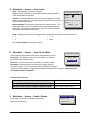
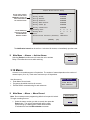
Main Menu → Record → Auto Delete Mode
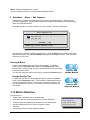
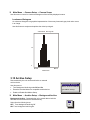
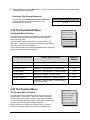
The ADM feature prevents the unit from displaying or archiving any search results that are more than
thirty days old. This feature may be required by law in some jurisdictions. Choose from 7 to 99 days or
Off. The default setting is Off.
ADM Setting
Message
ADM will change. Are you sure?
99
Days
Yes
0150-0201C
39
Vista Columbus System Triplex