1
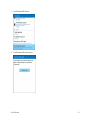
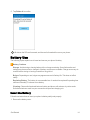
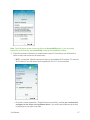
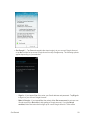
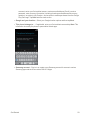
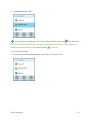
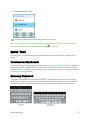
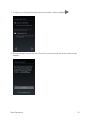
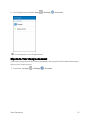
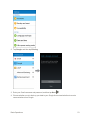
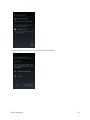
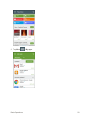
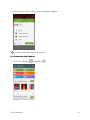
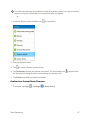
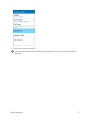
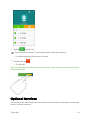
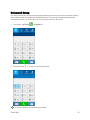
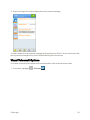
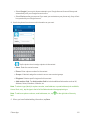
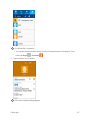
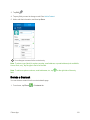
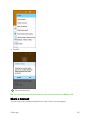
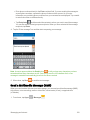
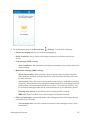
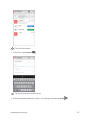
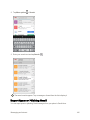
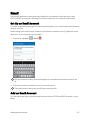
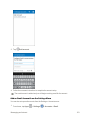
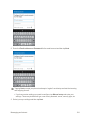
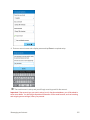
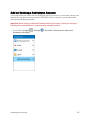
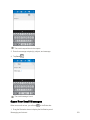
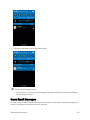
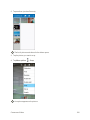
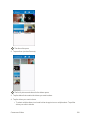
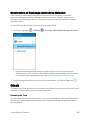
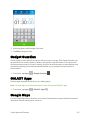
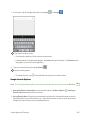
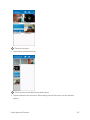
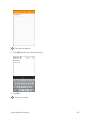
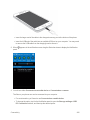
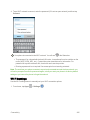
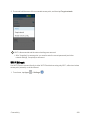
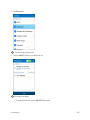
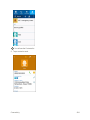
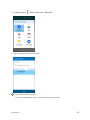
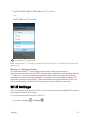
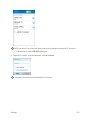
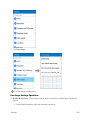
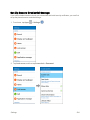
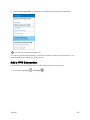
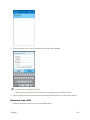
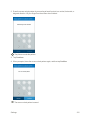
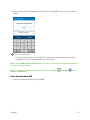
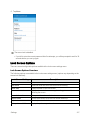
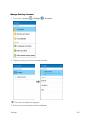
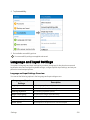
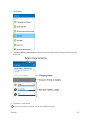
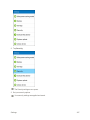
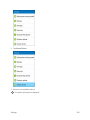
 4. Tap a Wi-Fi network to connect, enter the password (if it’s not an open network), and then tap Connect.
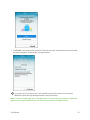
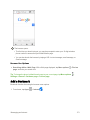
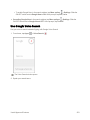
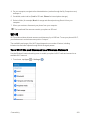
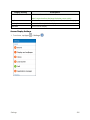
Your phone is connected to the Wi-Fi network. You will see in the Status bar.
l The password, for a household wireless LAN router, is sometimes found on a sticker on the router (WEP, WPA, KEY, etc.). Contact the router manufacturer for information. For password for a public wireless LAN, check with user's service provider.
l Entering a password is not required if an access point is not security protected.
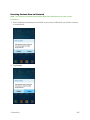
Note: The next time your phone connects to a previously accessed secured wireless network, you will not be prompted to enter the password again, unless you reset your phone to its factory default settings or you instruct the phone to forget the network.
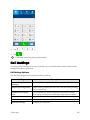
Wi-Fi Settings
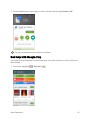
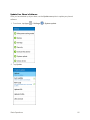
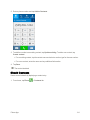
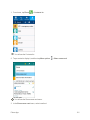
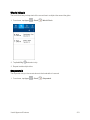
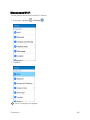
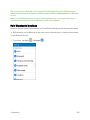
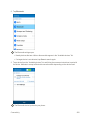
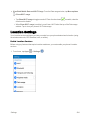
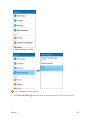
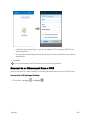
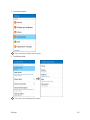
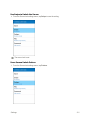
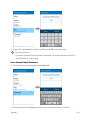
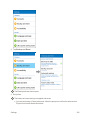
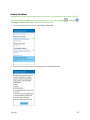
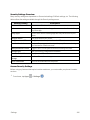
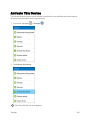
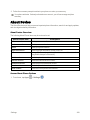
Use the Wi-Fi settings menu to manually set your Wi-Fi connection options.
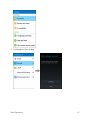
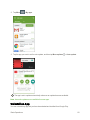
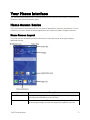
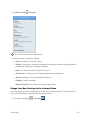
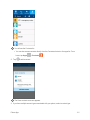
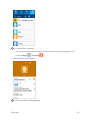
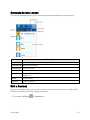
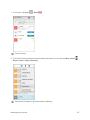
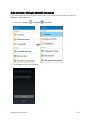
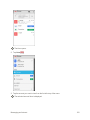
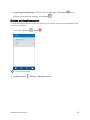
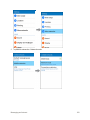
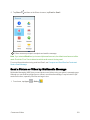
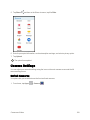
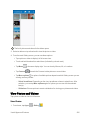
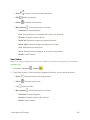
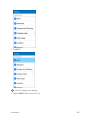
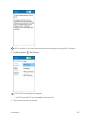
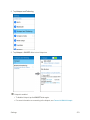
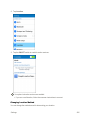
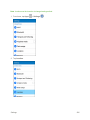
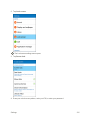
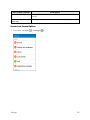
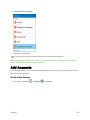
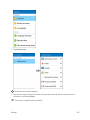
1. From home, tap Apps Connectivity
> Settings
.
245