1
Turning the server off
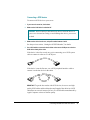
You need to turn off the server to connect to the network as described in
Chapter 2.
1
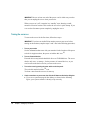
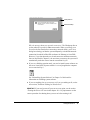
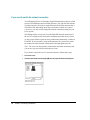
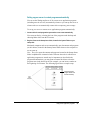
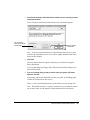
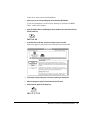
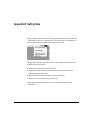
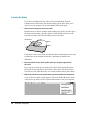
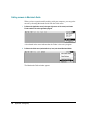
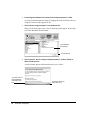
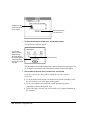
Use the mouse to choose the Shut Down command from the Special menu.
Choosing Shut Down readies the hard disk for a fast restart next time you turn
on the server. It also prompts you to save any unsaved work on a disk before
turning the power off.
WARNING If you use the power switch to turn off the server before
choosing Shut Down, you will lose any work you haven’t saved onto a
disk, you risk losing open documents, and you risk damaging your
system software.
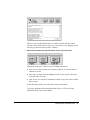
2
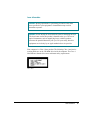
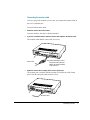
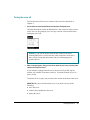
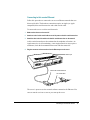
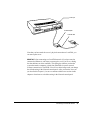
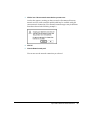
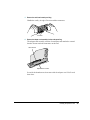
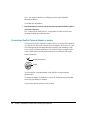
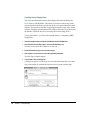
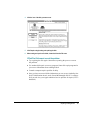
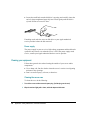
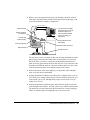
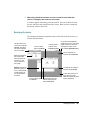
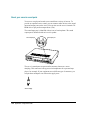
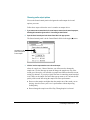
When a message appears, telling you it is safe to switch off your server, press the power
switch on the front of the server.
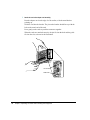
If your monitor is plugged into the server, the screen will go dark, but the
monitor will continue to consume electricity. To turn the monitor off, use its
power switch.
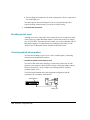
To turn the server on again, just press the power switch on the front of the server.
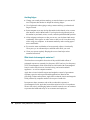
IMPORTANT Be sure to shut down the server if you need to do any of the
following:
m move the server
m connect other equipment to the server
m unplug the server
Turning the server off
13