1
Cycle parts
Atlantic 500
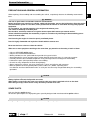
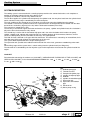
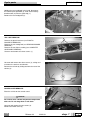
REMOVING THE ROD-WHEEL CARRIER ASSEMBLY (with installed fork)
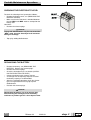
Put the vehicle on the stand.
CAUTION
Place a suitable stand under the vehicle to prevent
it from falling.
Remove the front mudguard, see (REMOVING THE
FRONT MUDGUARD).
Remove the front wheel, see (REMOVING THE
FRONT WHEEL).
Remove the front shield, see (REMOVING THE INNER
SHIELD).
NOTE Perform the following operation also on the
vehicle left side.
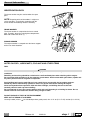
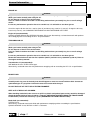
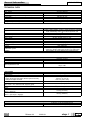
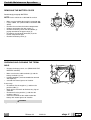
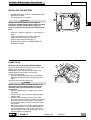
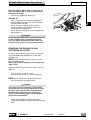
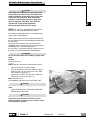
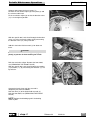
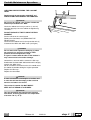
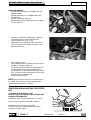
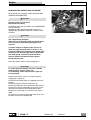
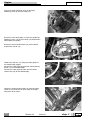
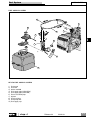
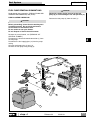
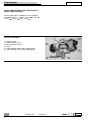
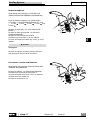
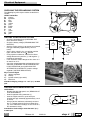
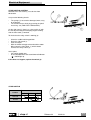
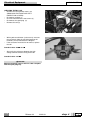
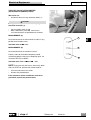
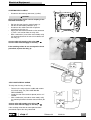
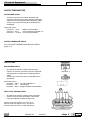
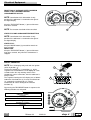
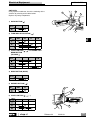
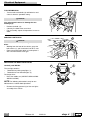
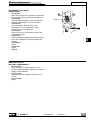
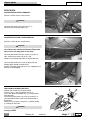
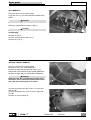
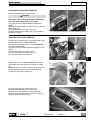
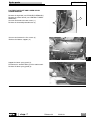
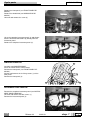
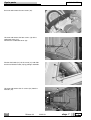
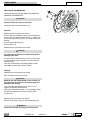
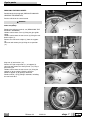
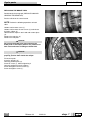
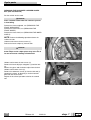
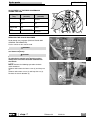
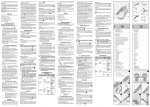
Unloose and remove the two screws (1).
Release the brake caliper (2) from the fork.
1
2
6
CAUTION
Do not pull the front brake lever after removing the
brake caliper as the caliper piston may come out of
its seat and cause a leakage of brake fluid.
5
1
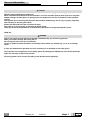
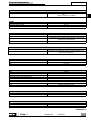
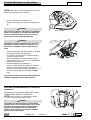
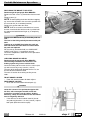
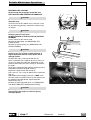
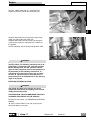
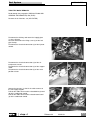
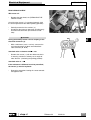
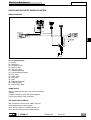
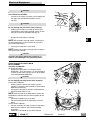
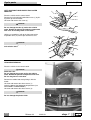
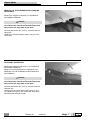
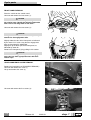
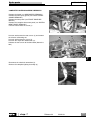
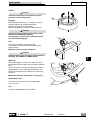
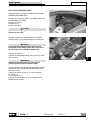
Unloose and remove the two screws (3).
Remove the brake oil pipes stop plate (4) and the lock
(6).
Release the pipes and the brake caliper from the fork.
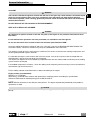
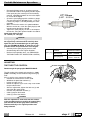
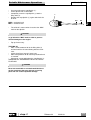
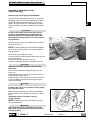
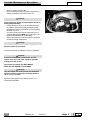
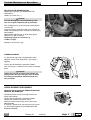
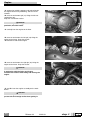
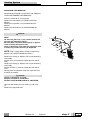
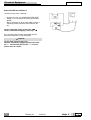
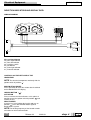
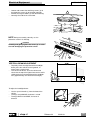
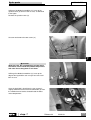
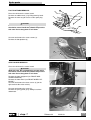
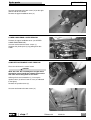
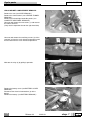
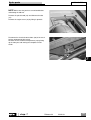
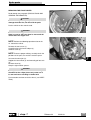
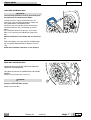
Unloose and remove screw (5).
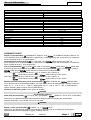
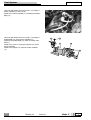
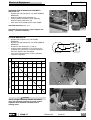
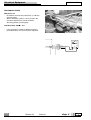
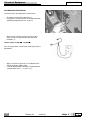
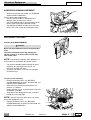
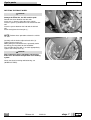
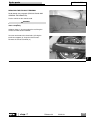
Remove the odometer sensor (6) from the fork rod (7).
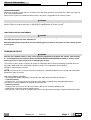
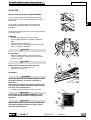
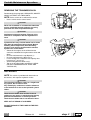
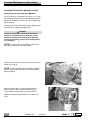
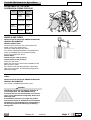
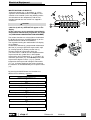
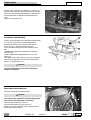
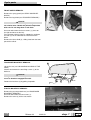
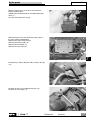
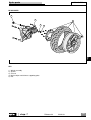
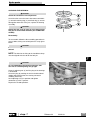
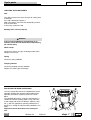
Completely remove, by lowering it, the fork rod complete with the wheel carrier.
Repeat the last three operations also for the second
rod.
6
3
7
4
7-42
Release 00
2002-09
chap. 7