1
S7330.book Page 38 Tuesday, August 12, 2008 3:17 PM
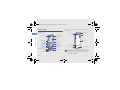
Customise your music player settings
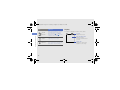
3. Press [ ] to start the FM radio.
Learn to adjust the playback and sound settings for
your music player.
4. Press <Options> → Self-tuning.
1. In Idle mode, press <Menu> → Multimedia →
Music player.
2. Press <Options> → Player settings.
using advanced functions
3. Adjust the settings to customise your music
player.
4. Press [
].
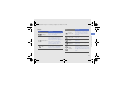
Store radio stations automatically
1. Plug the supplied headset into the phone’s
multifunction jack.
2. In Idle mode, press <Menu> → Multimedia →
FM radio.
38
5. Press <Yes> to confirm (if necessary).
The radio scans and saves available stations
automatically.