1
1 SKORPIO™ X3
4
4.10.5
AppSelector Options (AppSelect tab)
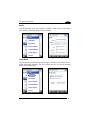
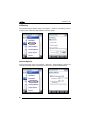
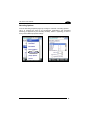
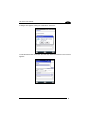
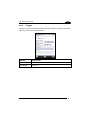
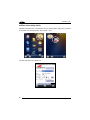
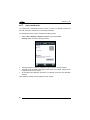
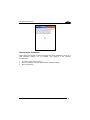
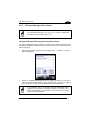
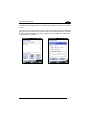
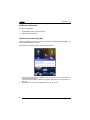
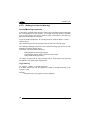
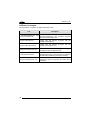
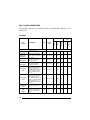
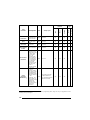
Tap the Application Selector (“AppSelect” Tab) to edit, add, or delete applications for
the application selector.
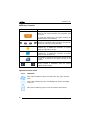
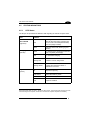
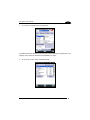
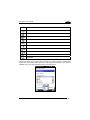
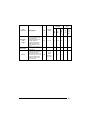
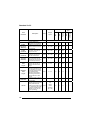
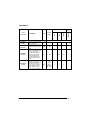
Application Selector Options
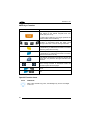
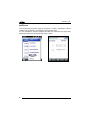
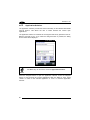
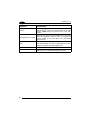
Enable Application Selector
Select/tap
“Enable
Application
Selector”
to
enable/disable the application selector. When this is
enabled, the Application Selector replaces the
desktop and allows only authorized use of
applications.
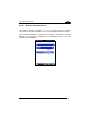
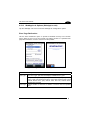
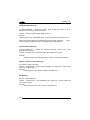
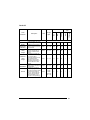
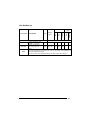
Authorized Applications
This is a list of applications that the user may access.
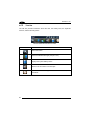
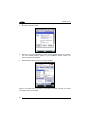
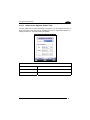
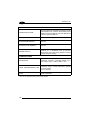
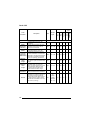
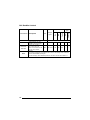
Application Selector Commands
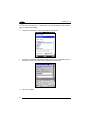
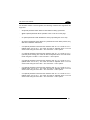
New
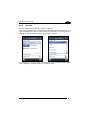
Select/tap “New” to create a new application entry.
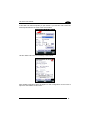
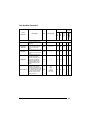
Edit
Select/tap “Edit” to edit the selected entry.
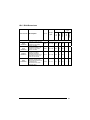
Del
Select/tap “Del” to delete the selected entry.
Up/Down
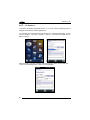
Select/tap “Up/Down” to move an entry up or down in
the ListView
96