1
5 - 24 VC5090 Vehicle Computer Product Reference Guide
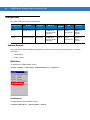
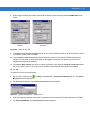
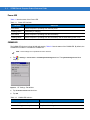
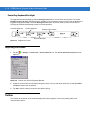
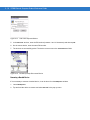
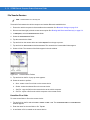
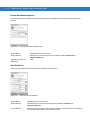
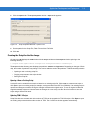
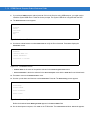
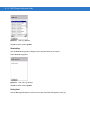
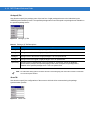
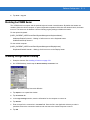
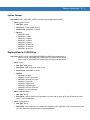
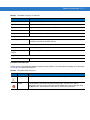
Discovery Tab
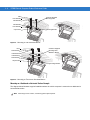
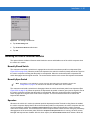
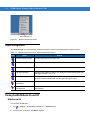
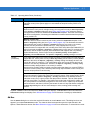
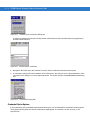
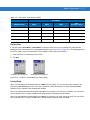
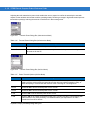
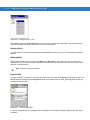
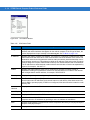
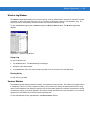
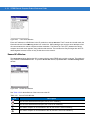
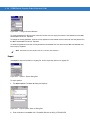
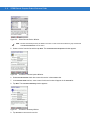
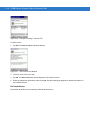
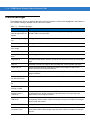
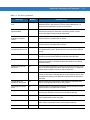
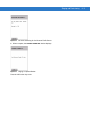
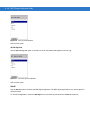
Use the Discovery tab to set and modify discovered devices.
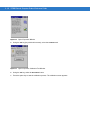
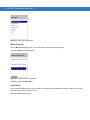
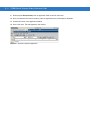
Figure 5-34
BTExplorer Settings - Discovery Tab
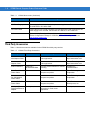
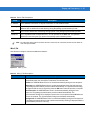
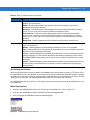
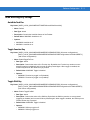
Inquiry Length
Sets the amount of time that the vehicle computer takes to discover Bluetooth
devices in the area.
Name Discovery Mode
Select either Automatic or manual.
Discovered Devices
Deletes all discovered devices and link keys.
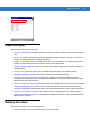
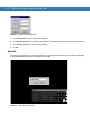
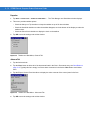
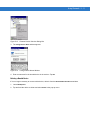
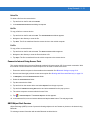
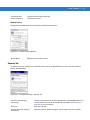
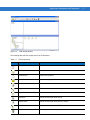
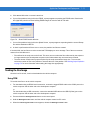
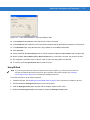
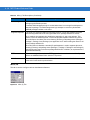
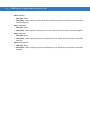
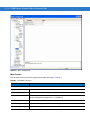
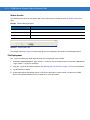
Virtual COM Port Tab
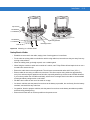
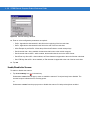
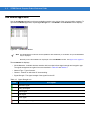
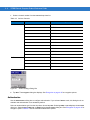
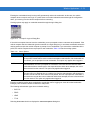
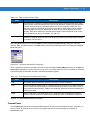
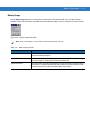
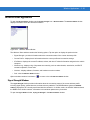
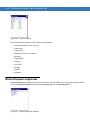
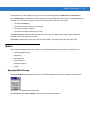
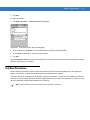
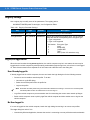
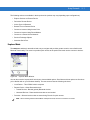
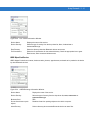
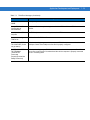
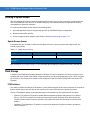
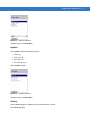
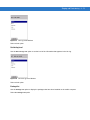
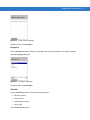
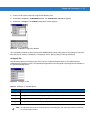
Use the Virtual COM Port tab to select the COM ports for Bluetooth communication.
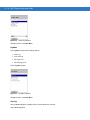
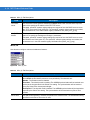
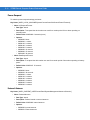
Figure 5-35
BTExplorer Settings - Virtual COM Port Tab
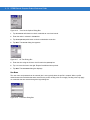
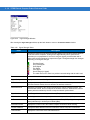
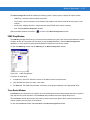
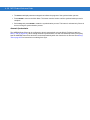
COM4:Bluetooth
Enable or disable COM Port 4.
COM5:Bluetooth
Enable or disable COM Port 5
COM9:Bluetooth
Enable or disable COM Port 9
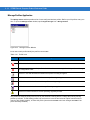
NOTE
If an application uses one of the COM ports assigned to Bluetooth, opening this port causes the Bluetooth
stack to activate and guide you through the connection process.


































![MC909X User Guide [English] (P/N 72E-72215](http://vs1.manualzilla.com/store/data/006923233_1-b8645820a9c9206bed43f7013f7b5dae-150x150.png)