1
MOG.book Page 11 Wednesday, January 11, 2012 2:57 PM
English
TAB 2
TAB 3
TAB 4
TAB 5
TAB 6
TAB 7
TAB 8
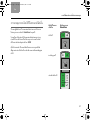
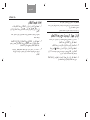
BASIC SYSTEM OPERATION
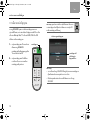
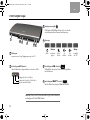
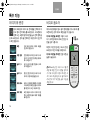
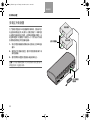
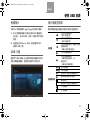
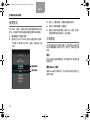
Turning the system on/off
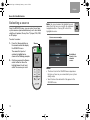
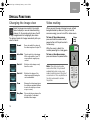
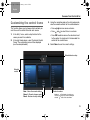
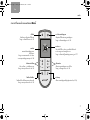
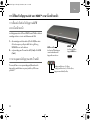
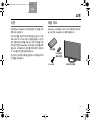
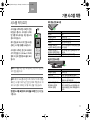
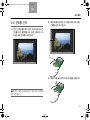
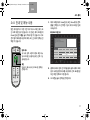
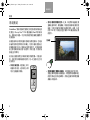
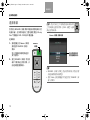
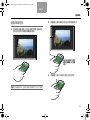
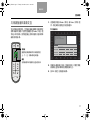
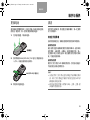
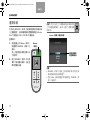
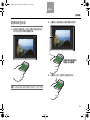
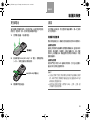
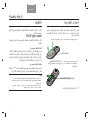
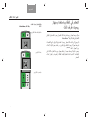
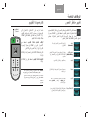
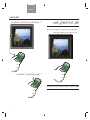
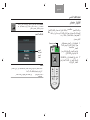
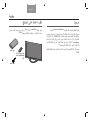
Press the power button on
the remote to start the system.
When the system starts up, it also
automatically turns on your set-top
box (cable, satellite, etc.).
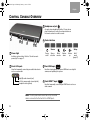
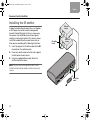
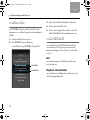
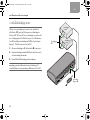
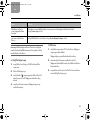
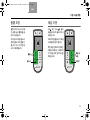
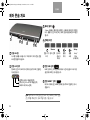
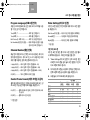
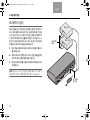
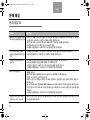
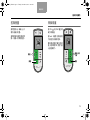
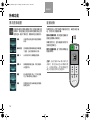
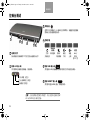
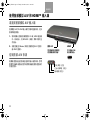
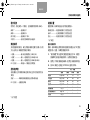
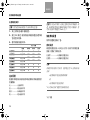
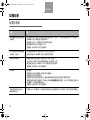
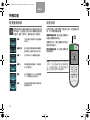
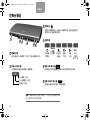
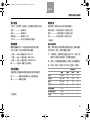
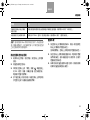
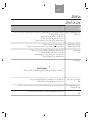
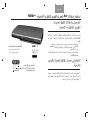
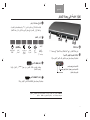
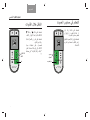
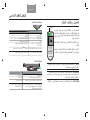
Control console power light
Power
Status
Meaning
Red
Off
Blinking green
Starting up
Steady green
On and ready to use
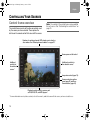
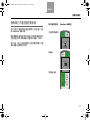
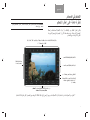
The state of the power light on the
control console and monitor
indicates the system status.
Orange
Off and charging iPod
Blinking yellow for 30
seconds after shutting
system down
Unify® system setup was started, but is
incomplete
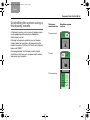
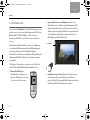
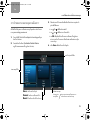
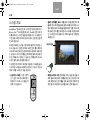
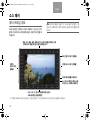
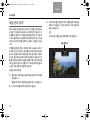
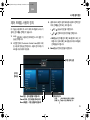
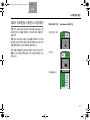
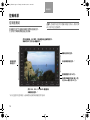
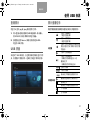
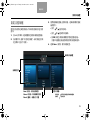
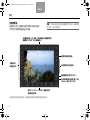
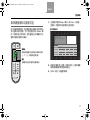
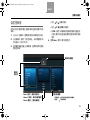
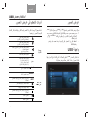
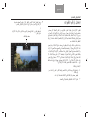
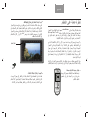
While the system starts up, the
monitor emits a start-up tone and
displays the Bose® logo with a
progress bar under it.
Slow blinking red while
system is off
Unify system setup is complete, but no
sources are present
Red blinking off every 5
seconds
Remote control batteries are low
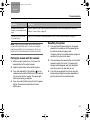
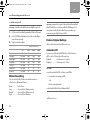
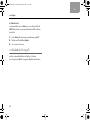
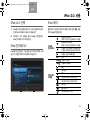
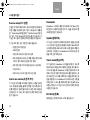
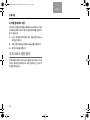
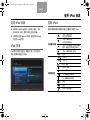
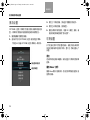
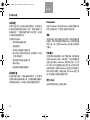
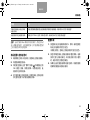
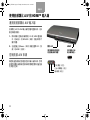
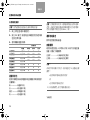
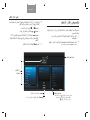
Monitor power light
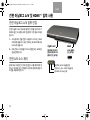
Note: When you turn the system on, it will always select
and turn on your cable or satellite box.
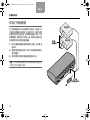
Note: To keep energy consumption to a minimum, the
system operates in a very low power state when it is off.
This is why the system may take several seconds to start.
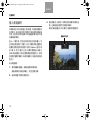
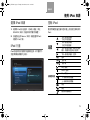
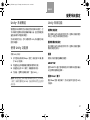
To turn off the system, including the connected
source, press the power button.
Status
Meaning
Blinking green
Starting up
Steady green
Video muted (see page 18)
Slow blinking red
Power removed from monitor but not
control console
Slow blinking red to green System is shutting down in 10 seconds
until power is restored
due to an error. If the problem persists,
contact Bose. See the contact sheet
included with your system
11