1
Compu Live
III Intermediate programming
Creating groups
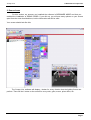
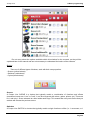
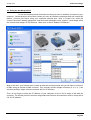
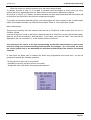
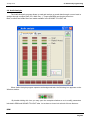
This tool allows you to create groups of fixtures (stage left, stage right, house lights, etc).
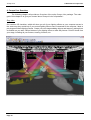
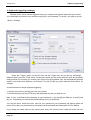
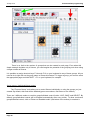
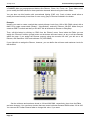
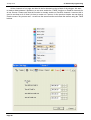
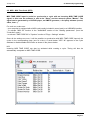
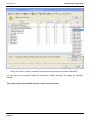
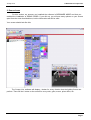
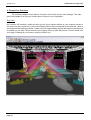
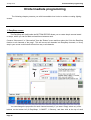
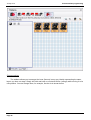
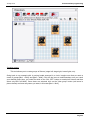
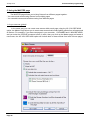
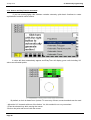
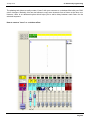
Going back to our example with 4 moving heads arranged in a circle, imagine now that we want to
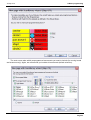
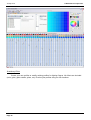
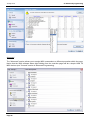
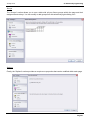
create 2 groups [Mo1 + Mo3] and [Mo2 + Mo4]. Click on the icons to select/unselect until you reach
your desired group (also, you could first click on the "ALL OFF" button to unselect all fixtures and then
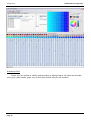
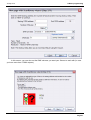
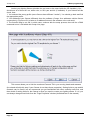
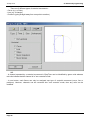
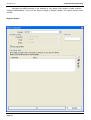
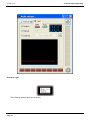
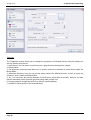
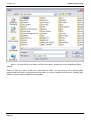
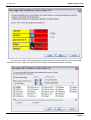
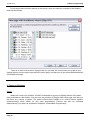
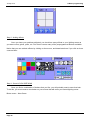
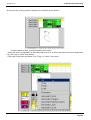
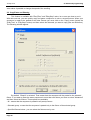
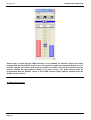
select only Mo1 and Mo3). Once these are selected, click on the "New group" button (red arrow in
picture below) and enter any name you want, in this case [Mo1 + Mo3].
Page 43