1
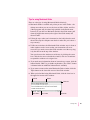
Problems turning your computer on?
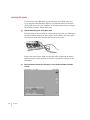
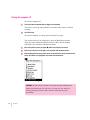
If you don’t see anything on the screen, check these items to see if you can
identify the problem:
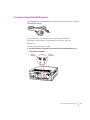
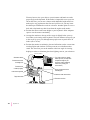
m Is the computer plugged into a power source? If it is plugged into a power
strip, is the power strip plugged in and turned on?
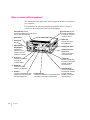
m Is the computer turned on? The power-on light on the front panel should
be on. If it isn’t on, press the standby power button on the computer’s back
panel (marked with the symbol ®).
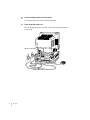
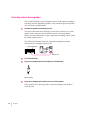
m Are the keyboard and mouse cables connected correctly? (Don’t disconnect
the keyboard or mouse cable while the computer is on. You could damage
your equipment.)
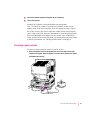
m Is the monitor power cord plugged in?
m Is the monitor turned on? (Check the power-on light on the front of the
monitor.)
m Is the monitor cable attached firmly to both the monitor and computer?
m Is the brightness control on the monitor adjusted correctly? (On Apple
monitors, the brightness control is marked with the symbol ¤.)
10
Chapter 1