1
TRIP COMPUTER: trip settings (5/5)
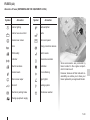
The display of information shown below DEPENDS ON THE VEHICLE EQUIPMENT AND COUNTRY.
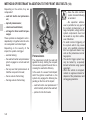
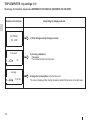
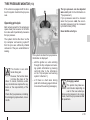
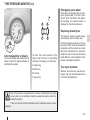
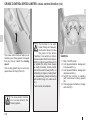
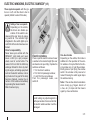
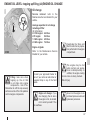
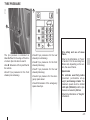
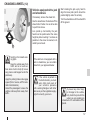
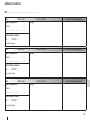
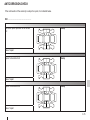
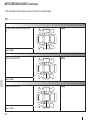
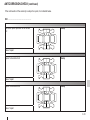
Examples of selections
Settings menu:
press and hold
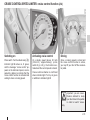
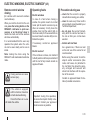
Interpreting the display selected
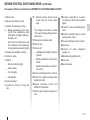
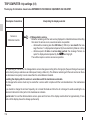
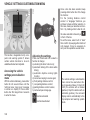
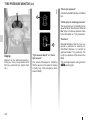
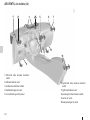
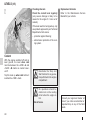
e)Vehicle settings customisation menu.
Enables certain vehicle functions to be set (instrument panel language, parking
distance control, etc.). Refer to the information on “Vehicle settings customisation menu” in Section 1.
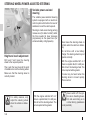
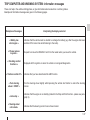
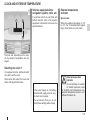
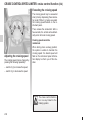
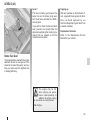
f) Trip log.
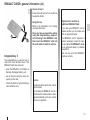
No message available
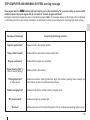
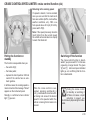
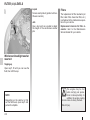
Successive display:
–information messages (passenger airbag OFF etc.),
–operating fault messages (check the injection system, etc).
1.56