1
Section 6: Changing Your Settings
This section includes tips on how to use your phone’s features,
as well as how to change and customize the display settings, call
handling, security settings, and other settings associated with
your phone.
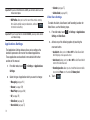
Sound Profiles
This menu allows you to specify how you are informed of
incoming calls.
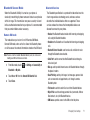
Selecting a Profile
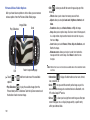
Normal Profile
The phone’s profile defaults to Normal. Use the following
procedures to change the profile.
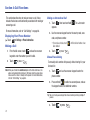
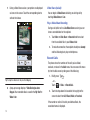
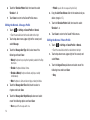
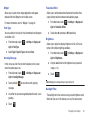
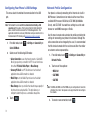
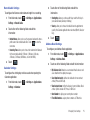
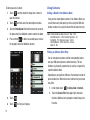
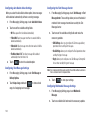
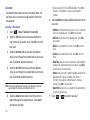
Editing the Normal - Call Profile
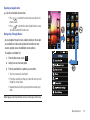
1.
Touch
2.
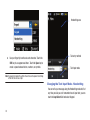
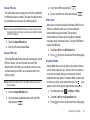
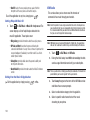
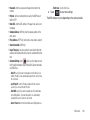
Touch the radio button next to the profile name. The
select Call.
3.
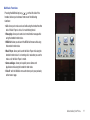
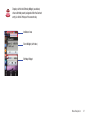
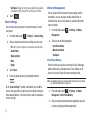
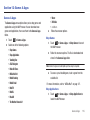
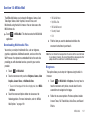
Normal
Silent
Driving
Outdoor
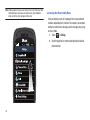
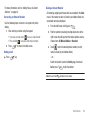
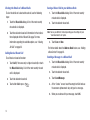
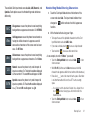
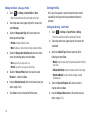
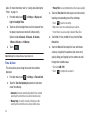
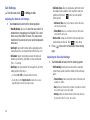
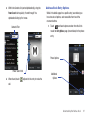
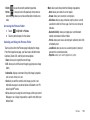
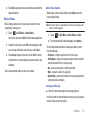
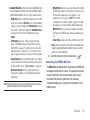
Select the Call Alert Type field and select one of the
following and touch Save:
selected profile activates. Choices include:
•
•
•
•
➔ Settings ➔ Sound Profile ➔ Normal.
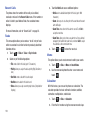
• Touch the name field and not the radio button to the right.
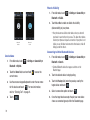
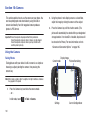
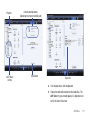
2. Touch drop-down menu (upper-right of the screen) and
➔ Settings ➔ Sound Profile.
1.
Touch
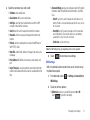
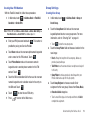
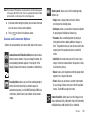
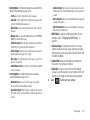
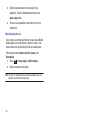
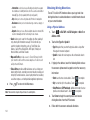
• Melody: the phone rings using the ring melody selected in the Ring
tone menu.
• Vibration then Melody: the phone vibrates and then starts ringing.
• Vibration & Melody: the phone vibrates and plays a melody
simultaneously.
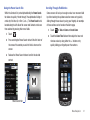
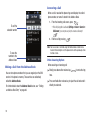
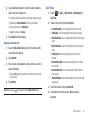
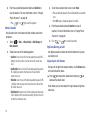
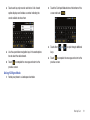
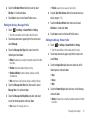
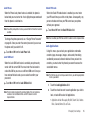
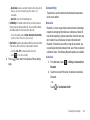
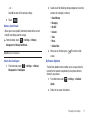
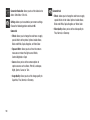
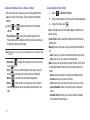
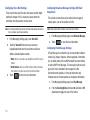
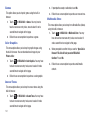
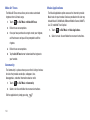
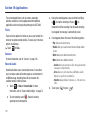
4. Touch the Voice Call Ringtone field, touch to select a
ringtone and touch Save.
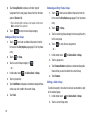
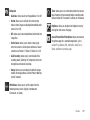
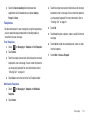
5.
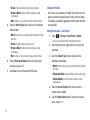
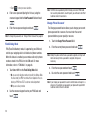
Drag the Ringtone Volume slider to the volume level you
desire (range is 1-7).
Changing Your Settings
53