1
Section 12: Games & Apps
Games & Apps
The Games & Apps menu option allows you to shop games and
applications using the WAP browser. You can download new
games and applications, then save them to the Games & Apps
folder.
➔ Games & Apps.
1.
Touch
2.
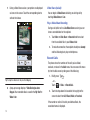
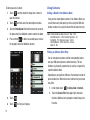
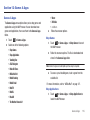
Select one of the following options:
•
•
•
•
•
•
•
•
•
•
•
•
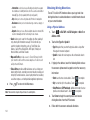
Shop Games
Shop Applications
Tumbling Dice
AT&T Navigator
Make-UR-Tones
MEdia Mall 2.0
Mobile Banking
Mobile Email
MobiTV
MobiVJ
MusicID
The Weather Channel 4.1
• Where
• XM Radio
• and others.
3. Follow the onscreen options.
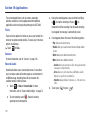
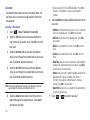
Shop Games
1.
Touch
➔ Games & Apps ➔ Shop Games to launch
the WAP browser.
2.
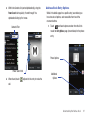
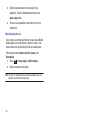
Follow the onscreen options. The file is downloaded and
stored in the Games & Apps folder.
Note: Service charges and subscription purchase may be required.
3.
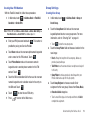
To access a pre-installed game, touch a game from the
available list.
For more information, refer to “MEdia Mall” on page 127.
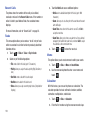
Shop Applications
1.
Touch
➔ Games & Apps ➔ Shop Applications to
launch the WAP browser.
Games & Apps
125