1
17
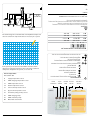
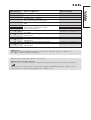
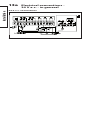
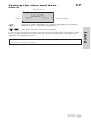
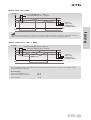
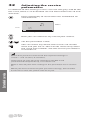
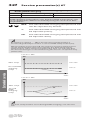
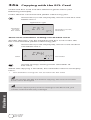
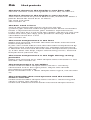
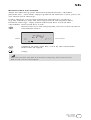
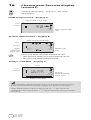
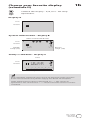
Setting the time and date line A
Actual time
A
1035
Year
108
0527
Month, day
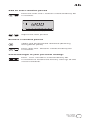
Use the shift button to switch between minutes,
hours, years, months and days.
Set the correct time and date.
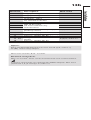
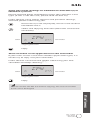
Use the yellow side of the card to change the schedules.
See User’s Guide, section 4.
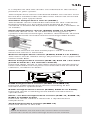
The grey
side of the
ECL Card
Basic set-up
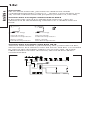
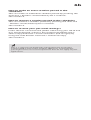
In case of a power break, which lasts longer than 12 hours, the
time and the date have to be set again. All other settings are
stored as programmed.