1
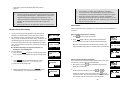
speaking of the broadcast.
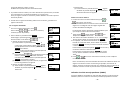
d. Release
key to end the broadcasting.
If the handset is on the charger cradle (ringer will be
temporarily switched to “Ring” if it has been set to “Vibrate”),
lift the handset and press
key to start conversation.
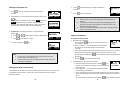
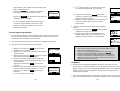
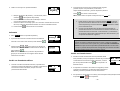
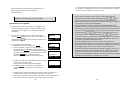
3. Broadcasting to an individual handset
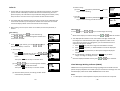
a. Enter the Handset ID and then press and hold
key
(left top corner of keys).
b. Hear a long “Du…” sound while the initiating handset
broadcast all handsets within communication coverage.
c. Start to speak the message to be broadcasted once you hear the “Du Du”
sound; the speakerphone of destination handsets will be opened if it received
a voice.
Re: the initiating handset press and hold the
speaking of the broadcast.
d. Release
key is needed during the
key to end the broadcasting.
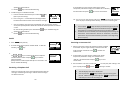
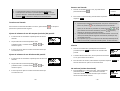
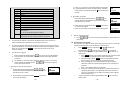
Redial
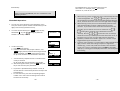
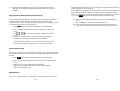
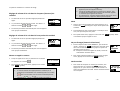
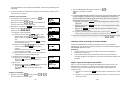
1. Press REDIAL (Left) soft key.
Notes:
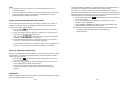
1. You can press SILENT (Left) soft key if you choose to ignore the call.
Unlike turning off the ringer (from the handset menu), the SILENT
key operation is valid only when the phone is actually ringing.
2. If Caller ID service is available, the LCD will display the incoming call
information. If the LCD shows “Private” or “Unknown”, the caller’s
information may have been blocked by the caller or the originating
phone company.
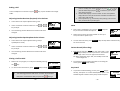
Receiving an Intercom Call
2. The LCD shows the last phone number dialed. To dial this
number, press
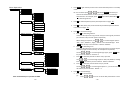
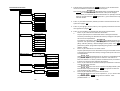
Re: You can turn on the “Any Key Talk” from MENU-5-2 which will allow you to
press any key instead of just the talk key, to answer an incoming call.
key.
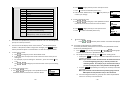
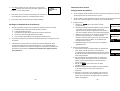
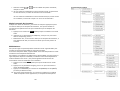
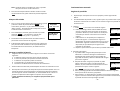
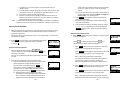
1. When an intercom call arrives (called from other handsets,
ex. Handset 12), the ringer will ring or vibrate unless the
ringer has been turned off. Press
intercom call.
to answer the
3.
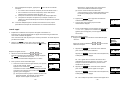
Use
or
key to scroll through the last 10 phone
numbers dialed. Select and press
key to dial the
selected number.
[Note] Intercom numbers (Handset ID) are not stored in the
last 10 numbers dialed log.
2. If the handset is on the charger cradle (ringer will be
temporarily switched to “Ring” if it has been set to
“Vibrate”), lift the handset and press
conversation.
key to start
3. If the handset is not on the cradle and MENU-6-2 “Any Key Talk” setting is “On”,
press any key (except
and the SILENT soft key) to answer.
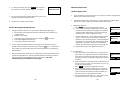
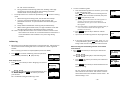
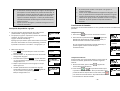
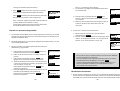
Receiving a Telephone Call
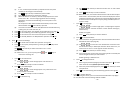
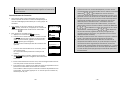
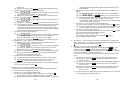
When an incoming call arrives, the LCD will show the caller ID
message, and the ringer will ring or vibrate unless the ringer
has been turned off.
~31~
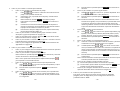
Notes:
1. The LCD displays the caller’s Handset ID.
2. You can press the SILENT (Left) soft key if you choose to ignore
the call. Unlike turning off the ringer the SILENT key operation is
valid only for the current incoming call.
~32~