1
Infotainment system
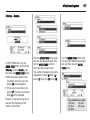
Table of information for Settings
[Languages]
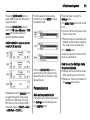
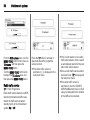
■ If the relevant detailed list is made
of several items, then repeat this
action.
■ Set/enter the relevant setup value
or the functioning state will change.
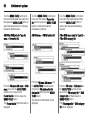
Select the desired language.
85
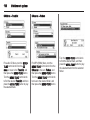
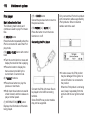
[Time Date]
Set time: Manually set the hours and
minutes for the current time.
Set date: Manually set the current
year/month/date.
Set time format: Select 12h or 24h
time display.
Set date format: Set the date display
format.
YYYY.MM.DD: 2012 May 23
DD/MM/YYYY: 23 May 2012
MM/DD/YYYY: May 23, 2012
RDS clock synchronization: Select
On or Off