1
2
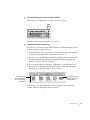
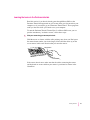
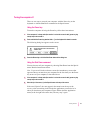
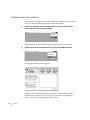
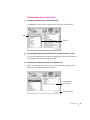
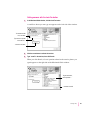
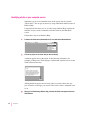
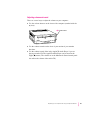
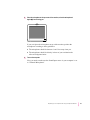
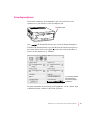
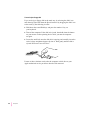
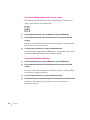
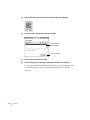
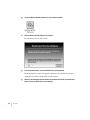
Locate the Restore System Software icon in the Launcher window.
3
Click the Restore System Software icon to open it.
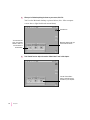
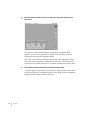
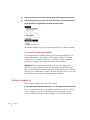
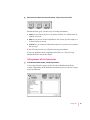
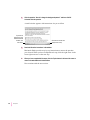
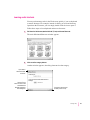
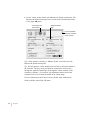
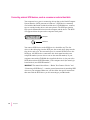
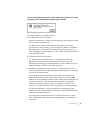
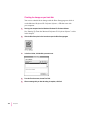
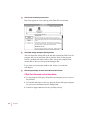
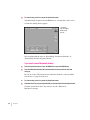
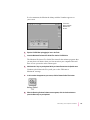
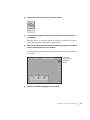
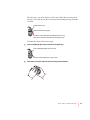
In a moment you’ll see this screen:
4
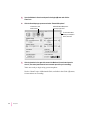
Click the Continue button, or press the Return key on your keyboard.
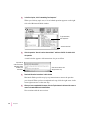
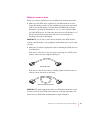
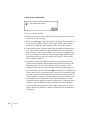
Restoring begins. A status box appears and keeps you informed of progress
during the restoration, which takes several minutes.
5
118
Chapter 7
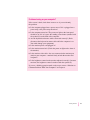
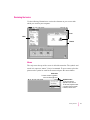
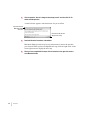
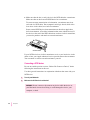
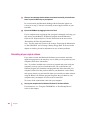
When you see a message that the software was restored successfully, click the Restart
button or press the Return key on your keyboard.