1
Basic Recording
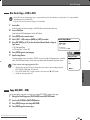
One Touch Copy - DVD to VHS
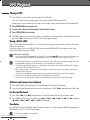
• If the DVD you are attempting to copy is copy-protected, you will not be able to copy the disc. It is not permitted to
copy Macrovision encoded DVDs.
• Copy to VCR does not work in Progressive Scan Mode.
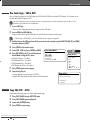
1 Insert a Disc.
Insert the disc you wish to copy in the DVD deck and close the disc tray.
2 Insert a VHS Tape.
Insert a blank VHS videotape into the VCR deck.
3 Press [COPY] on the remote control.
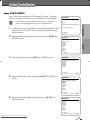
4 Select (DVD ➝VCR) and press [ENTER] or [COPY] to confirm.
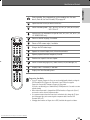
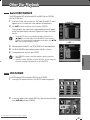
5 Press [REC SPEED] or […/†] to select the desired Record Mode in ‘Copy to
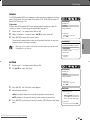
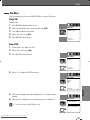
Quick-Copy Menu
Tape’ menu:
• SP (Standard Play)
• LP (Long Play, 2 times SP).
Please select the copy option:
DVD -> VCR
VCR -> DVD
Instructions
Enter-Confirm Move …†
6 Press [COPY] again to start copying.
7 Stop the Copy Process
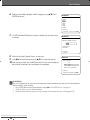
To stop copying at any time, press [STOP]. You must stop the Copy process manually
when the DVD movie ends, or the unit may replay and record over and over again.
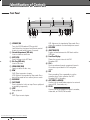
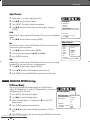
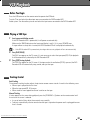
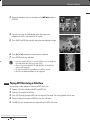
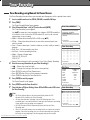
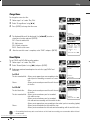
If you want to start copy any point of disc
1.
Choose speed then
press COPY:
LP
SP
■ ■ ■ Stop
RECORDING
2.
3.
Find the place on the DVD (or Disc) from which you want to start recording using the
[PLAY/PAUSE], [REW] and [FF] functions.
Press [COPY] while DVD is in pause mode or in resume stop ( » STOP) mode.
Follow the same procedure 5-7.
Copy to Tape
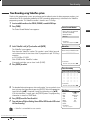
Copy Edit (DVD ➝VCR)
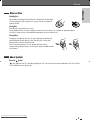
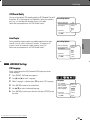
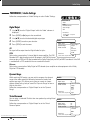
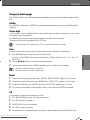
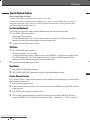
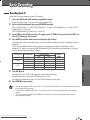
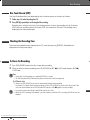
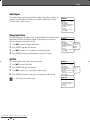
During one touch copy you can search or change REC SPEED and resume copy.
1
2
3
4
During One Touch Copy press [PLAY/PAUSE] to enter COPY EDIT mode.
Search with [FF/REW] or [NEXT/PREV] button.
Press [COPY] and you can change REC SPEED.
Press [COPY] again to resume copy.
Downloaded From Disc-Player.com Daewoo Manuals
45