1
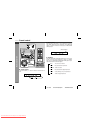
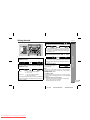
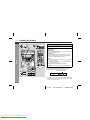
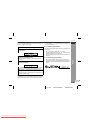
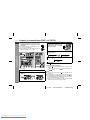
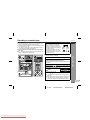
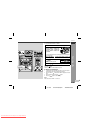
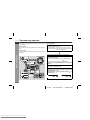
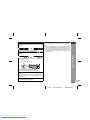
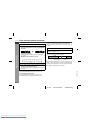
CD-ES222H Sound control ENGLISH Bass control When the power is first turned on, the unit will enter the extra bass mode which emphasises the bass frequencies, and "X-BASS" will appear. To cancel the extra bass mode, press the X-BASS/DEMO (X-BASS) button. Basic Operation X-BASS indicator Equaliser When the EQUALIZER (EQUALIZER MODE) button is pressed, the current mode setting will be displayed. To change to a different mode, press the EQUALIZER (EQUALIZER MODE) button repeatedly until the desired sound mode appears. FLAT The sound is not modified. ROCK Bass and treble are emphasised. CLASSIC Treble is cut a little. Volume control POPS Bass and treble are slightly emphasised. Press the VOLUME (+ or -) button to increase or decrease the volume. VOCAL Vocals (midrange tones) are emphasised. JAZZ Treble is slightly emphasised. 0 1 2 ..... 29 30 (MAXIMUM) E-9 03/10/29 Downloaded From Disc-Player.com Sharp Manuals CD-ES222H(H)E.fm TINSZA002SJZZ