1
How to operate the DVD player .............................. 95
Before using the DVD player........................................................95
Watching a DVD...........................................................................99
Using the menu screen ..............................................................100
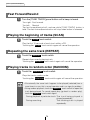
Fast-Forward/Rewind .................................................................101
Pausing/Advancing the video .....................................................101
Stopping playback ......................................................................102
Using slow motion ......................................................................102
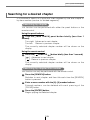
Searching for a desired chapter .................................................103
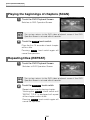
Playing the beginnings of chapters (SCAN) ...............................104
Repeating titles (REPEAT).........................................................104
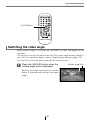
Switching the video angle...........................................................105
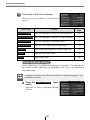
Switching subtitle languages ......................................................106
Switching dubbed voice languages ............................................106
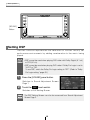
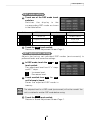
Setting the DVD player...............................................................107
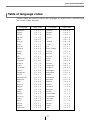
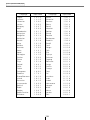
Table of language codes ............................................................117
How to operate the video CD player ..................... 119
Watching a video CD..................................................................119
Using the menu screen ..............................................................120
Advancing to the next scene or returning to the
beginning of the scene being played.......................................121
Fast-Forward/Rewind .................................................................121
Specifying a track to playback....................................................122
Pausing/Advancing the video .....................................................122
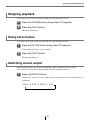
Stopping playback ......................................................................123
Using slow motion ......................................................................123
Switching sound output ..............................................................123
How to operate multi-window display .................. 124
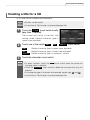
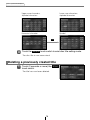
Setting multi-window ..................................................................124
Switching multi-window display ..................................................125
Adjusting multi-window display size ...........................................125
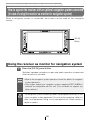
How to operate the receiver with an optional navigation system connected
(In case of using the receiver as monitor for navigation system).... 126
Using the receiver as monitor for navigation system..................126
9