1
(Remote Control only)
TUNER, USB,
at the preset
AILY TIMER.
ing works for
ogram on a
ng works at
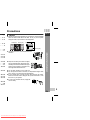
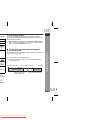
Timer playback or timer recording
Before setting timer:
morning.
on:
gram, and use
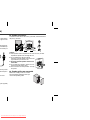
1 Check that the clock is set to the correct time (refer to page 11).
If it is not set, you cannot use the timer function.
2 For timer playback: Plug in USB or load discs to be played.
For timer recording: Plug in USB for recording in the USB
terminal.
1
2
3
mer
Stop
erlap, the once
inute between
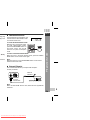
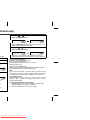
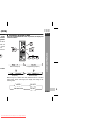
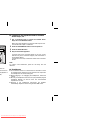
Press the ON/STAND-BY button to turn the power on.
Press the CLOCK/TIMER button.
Within 10 seconds, press the
or
button to select
“ONCE” or “DAILY”, and press the MEMORY button.
Set the clock to the correct time if “ONCE” or “DAILY” does not
appear.
Downloaded From Disc-Player.com Sharp Manuals


















![[6,8 Mo] (avril 2004)](http://vs1.manualzilla.com/store/data/006432155_1-f7d8df16331099b36185d1e5a59c9962-150x150.png)