1
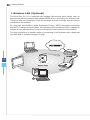
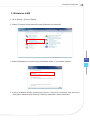
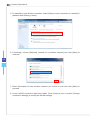
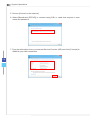
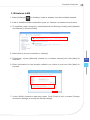
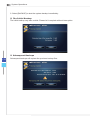
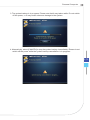
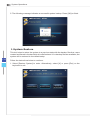
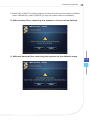
Personal Computer Wireless LAN 1. Go to [Start] > [Control Panel]. 2. Select [Connect to the Internet] under [Network and Internet]. 3. Select [Wireless] to connect using a wireless router or a wireless network. 4. A list of available WLAN connections pops up. Choose a connection from the list or click [Open Network and Sharing Center] to establish a new connection. 3-5