1
84 Configuring the Document Server
User’s Manual
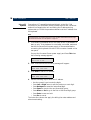
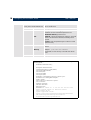
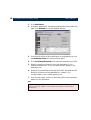
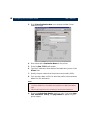
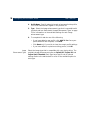
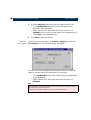
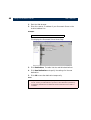
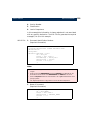
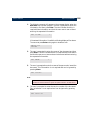
4. Edit the file using your preferred text editor. In Windows 95 and
Windows NT environments, you can for example use Notepad.
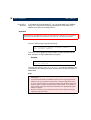
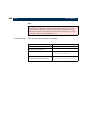
Note:
Do not use MS Word or other similar word processor.
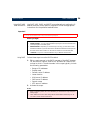
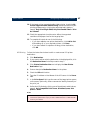
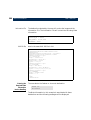
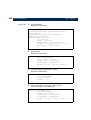
5. Type put config.ini to download the file to the Document Server and save
it permanently.
6. To exit FTP, type the command quit, bye, or exit.
Notes:
•
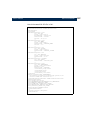
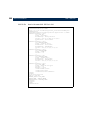
The configuration file can be used as a template when configuring multiple document
servers.
•
It is sufficient to download the configuration parameters that have changed. The
other parameter settings will remain unchanged.
•
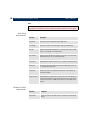
All parameter settings apart from the IP address, Gateway and Subnet mask can be
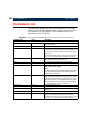
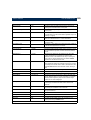
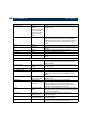
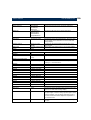
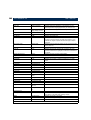
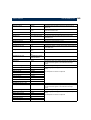
changed using FTP. Please refer to “The Parameter List” on page 152.
•
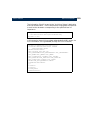
If you upload the config.ini file the passwords will be represented by ‘*****’. These *****
must be changed to the actual password before downloading the config.ini file to an
Document Server. The passwords can also be changed via the web interface after
downloading the config.ini file.
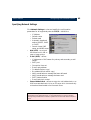
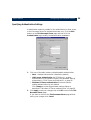
Scan Counter (AXIS 7000 only)
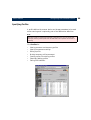
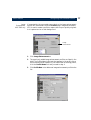
The Counter functionality enables the authorized administrator or
service user to monitor the use of the scanner device. To access the
Service pages, follow these instructions:
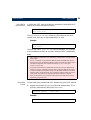
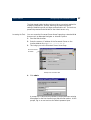
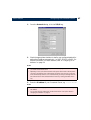
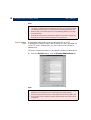
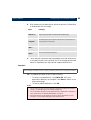
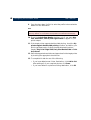
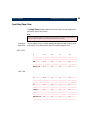
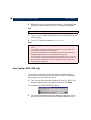
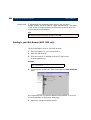
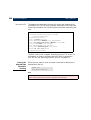
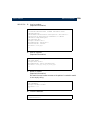
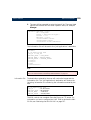
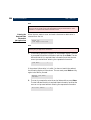
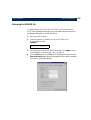
1. Type ‘service’ after the internet address of the AXIS 7000 in the
location/address field of your web browser and click Enter.
For example: http://123.123.123.123/service
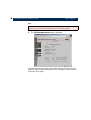
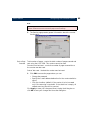
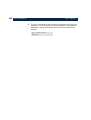
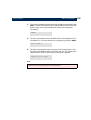
2. You will be prompted to enter User Name and Password. At the
prompt, log on as service and use the default password service.