1
PLAYBACK
PLAYBACK
The following describes the different techniques that you can
use to playback recorded images.
Basic Playback Operation
The built-in monitor screen of the camera lets you play back
recorded images without connecting an external monitor.
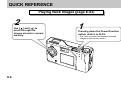
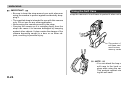
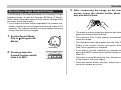
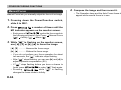
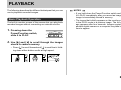
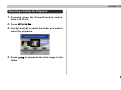
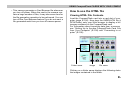
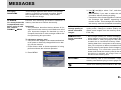
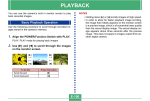
1. Pressing down the
Power/Function switch,
slide it to PLAY.
PLAY OFF
NOTES
• If you hold down the Power/Function switch and slide
it to PLAY immediately after you record an image, the
image is immediately stored in memory.
• The image that initially appears on the monitor screen
in the PLAY mode is a preview image. The full of image appears after four seconds. Images copied from
another digital camera or a computer may take longer
time to appear.
REC
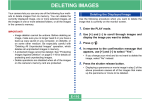
2. Use [왘] and [왗] to scroll through the images
stored in camera memory.
• Press [왘] to scroll forward and [왗] to scroll back. Holding down either button scrolls at high speed.
E-83