1
OTHER RECORDING FUNCTIONS
Using the Zoom Features
The zoom features let you move in closer on subjects that
are located far from the camera. You can choose either optical zoom or digital zoom, or even use them in combination to
increase the size of the original image by 6 times its original
size.
T (telephoto)
3. Compose the image and then record it.
Using Optical Zoom
• Brightness (aperture) is also affected by using optical
zoom.
Optical zoom enlarges the image by changing the focal distance of the lens. You can increase the size of the image by
three times using optical zoom.
• Use of a tripod is recommended for slow shutter
speeds and telephoto shots to avoid blurring of the
image due to camera movement.
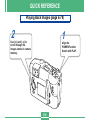
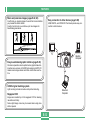
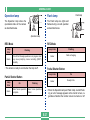
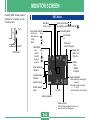
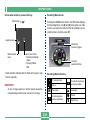
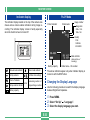
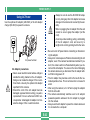
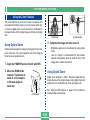
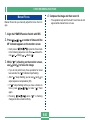
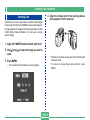
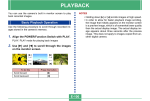
1. Align the POWER/Function Switch with REC.
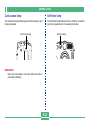
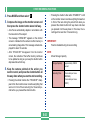
2. Move the ZOOM slider
towards T (telephoto) to
zoom in on the subject,
or W (wide-angle) to
zoom out.
W (wide-angle)
Using Digital Zoom
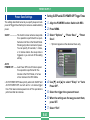
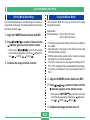
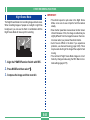
Digital zoom produces a 1024 x 768-pixel image that can
double the size of the original image. Using digital zoom and
optical zoom in combination can zoom an image to 6X.
T
W
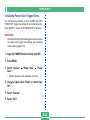
See “Using the REC Menus” on page E-74 for details on
making digital zoom settings.
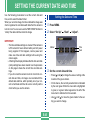
ZOOM slider
E-59