1
Routine maintenance
i
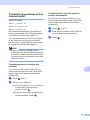
Repeat steps e to h two more times
using a new blank sheet of paper each
time. Upon completion please discard
the used paper.
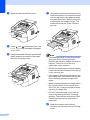
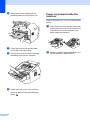
j
Close the back cover (face-up output
tray) and the manual feed slot cover.
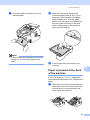
If the problem has not been solved, follow the
steps below:
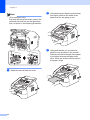
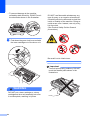
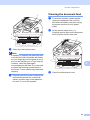
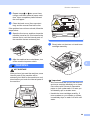
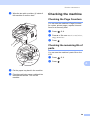
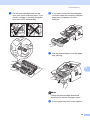
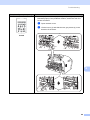
a
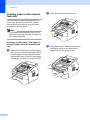
Open the front cover, and then leave the
machine turned on for 10 minutes for the
internal fan to cool the internal parts of
the machine that are extremely hot.
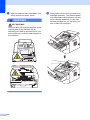
c
b
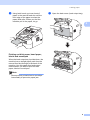
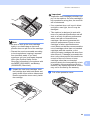
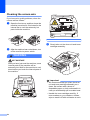
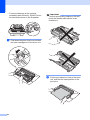
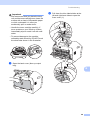
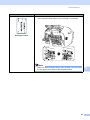
Slowly take out the drum unit and toner
cartridge assembly.
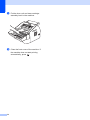
After the machine has cooled down, turn
off the machine’s power switch.
A
WARNING
HOT SURFACE
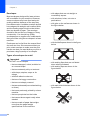
After you have just used the machine, some
internal parts of the machine will be
extremely hot. Wait for the machine to cool
down before you touch the internal parts of
the machine.
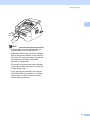
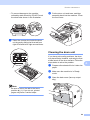
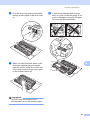
Important
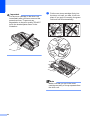
• We recommend that you put the drum unit
and toner cartridge assembly on a clean,
flat surface with a sheet of disposable
paper or cloth underneath it in case you
accidentally spill or scatter toner.
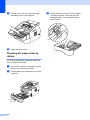
• Handle the toner cartridge carefully. If
toner scatters on your hands or clothes,
immediately wipe or wash it off with cold
water.
55