1
Chapter 13: Selecting Destinations
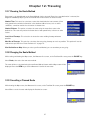
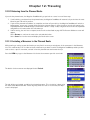
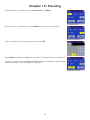
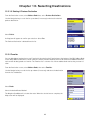
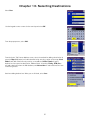
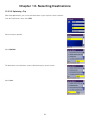
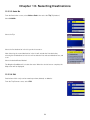
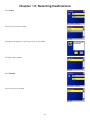
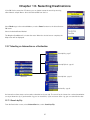
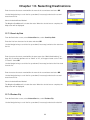
Select the trip to edit.
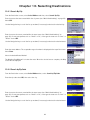
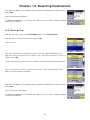
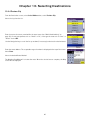
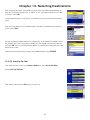
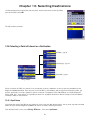
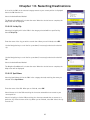
Select the destination you wish to delete, and select Delete from the pop-up menu.
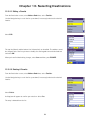
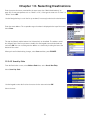
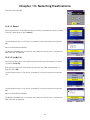
Select the destination you wish to change, and select Move Up from the pop-up menu.
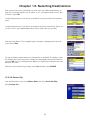
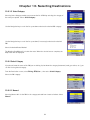
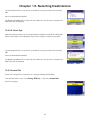
When you have finished, select Save and you are returned to the Trip Planner screen.
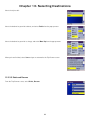
13.5.5.5 Delete and Rename
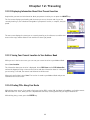
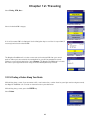
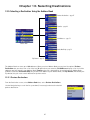
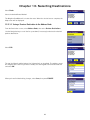
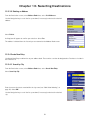
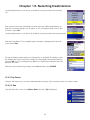
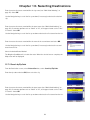
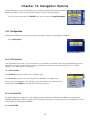
From the Trip Planner screen, select Delete, Rename.
60