1
3
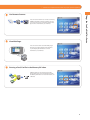
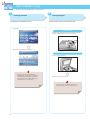
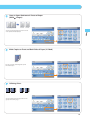
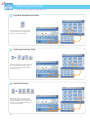
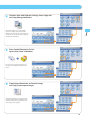
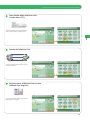
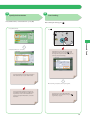
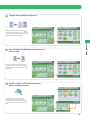
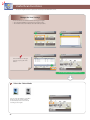
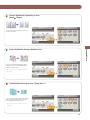
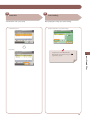
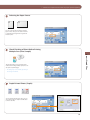
Select File
Select the file to send → press [Send].
Select the file to send.
4
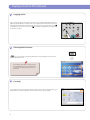
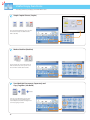
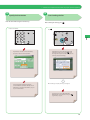
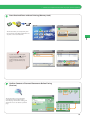
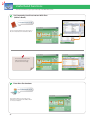
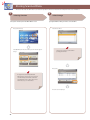
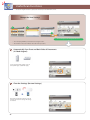
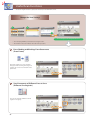
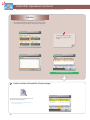
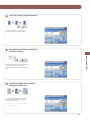
Start Sending
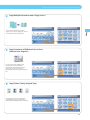
After specifying the settings, press [Start Sending].
Specify the destination → press [Start Sending].
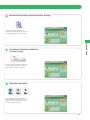
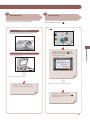
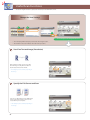
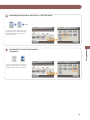
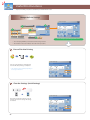
Press [Send].
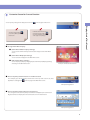
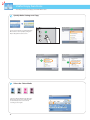
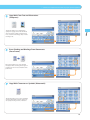
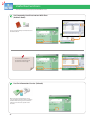
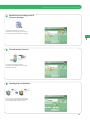
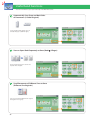
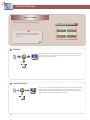
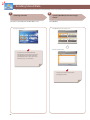
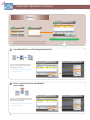
Access Stored Files
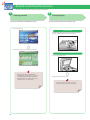
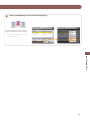
If a login service such as Department ID
Management or SSO-H has been set, press
(Log In/Out) to log out.
56