1
J07L_8Q42-EA-01F.book Page 29 Tuesday, March 5, 2002 3:14 PM
Interior Comfort
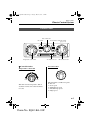
Audio System
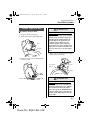
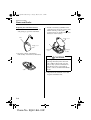
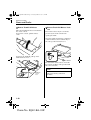
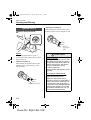
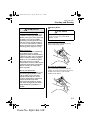
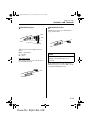
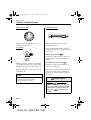
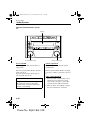
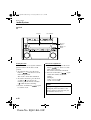
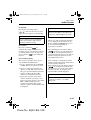
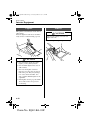
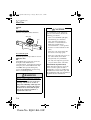
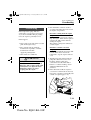
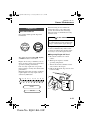
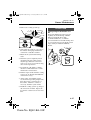
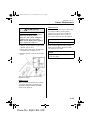
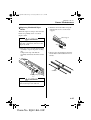
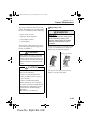
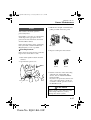
Music scan
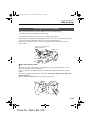
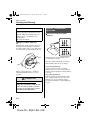
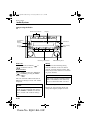
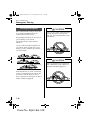
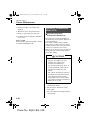
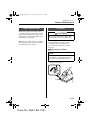
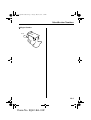
Changing the MD display
This feature helps to find a program by
playing about the first 10 seconds of each
track.
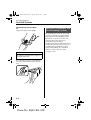
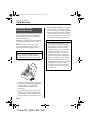
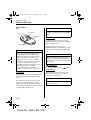
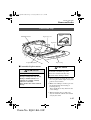
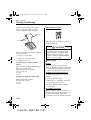
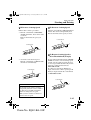
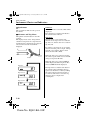
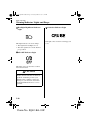
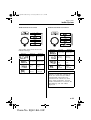
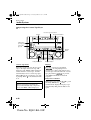
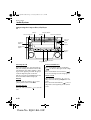
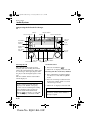
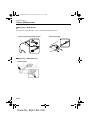
To change the MD display during MD
play, press and hold the display button
(
) for about half a second to advance
through each of the following displays:
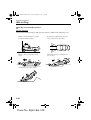
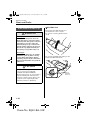
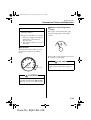
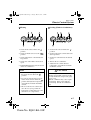
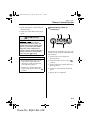
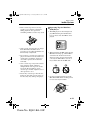
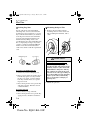
Press the scan button (
) during play
to start scan play operation (the track
number will flash).
Press the scan button (
) once again
to cancel scan play.
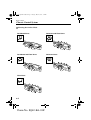
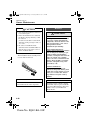
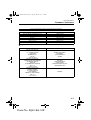
Song title
Disc title
No display
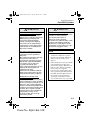
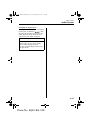
NOTE
If the unit is left in scan, normal play
will resume where scan was selected.
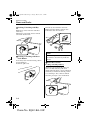
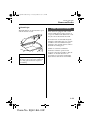
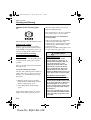
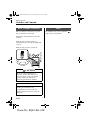
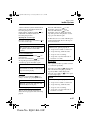
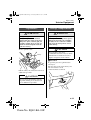
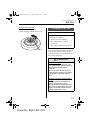
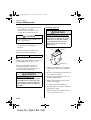
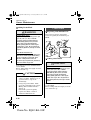
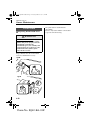
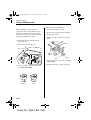
Repeat play
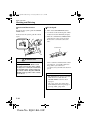
This feature makes it possible to listen to
a selection repeatedly.
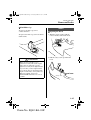
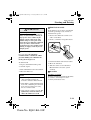
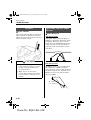
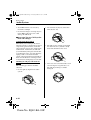
Press the repeat button (
) during play.
The current selection will be repeated
("RPT" will be displayed).
Press the repeat button (
) once again
to cancel repeat play.
NOTE
If there is no song or disc title recorded
on the MD, "NO TITLE" will be
displayed.
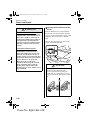
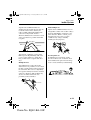
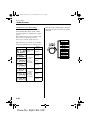
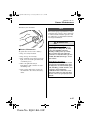
Long disc or song titles
When disc or song titles exceed 10 letters
or numerals, press the display button
(
) to display the remaining part of
the title.
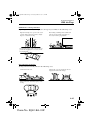
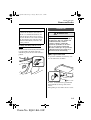
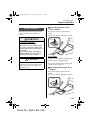
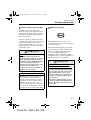
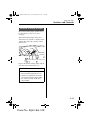
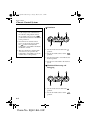
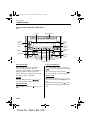
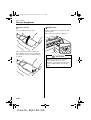
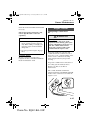
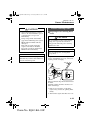
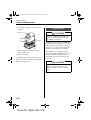
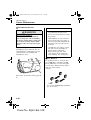
Random play
This feature allows the MD player to
randomly select the order of the songs.
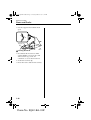
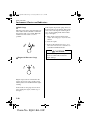
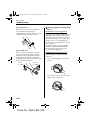
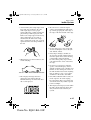
Press the random button (
) during
play. The next selection will be randomly
selected ("RDM" will be displayed).
Press the random button (
) once again
to cancel random play.
6-29
Form No. 8Q42-EA-01F