1
1. Ethernet
4-45
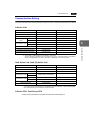
Error Display
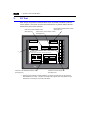
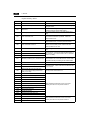
Error messages displayed on the ZM-300 series and those stored in the system memory
are explained.
Communication Errors
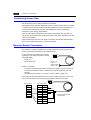
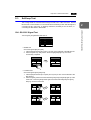
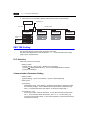
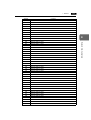
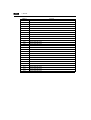
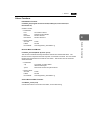
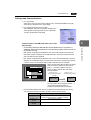
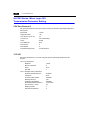
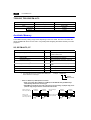
The Ethernet status is stored in system memory address $s518 of the ZM-300 series
during Ethernet communications. The communication error occurs when a code other than
“0” (normal) is stored in system memory address $s518.
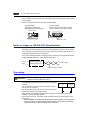
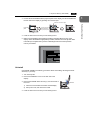
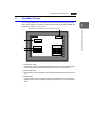
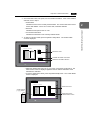
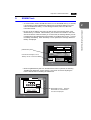
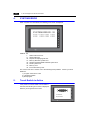
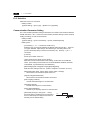
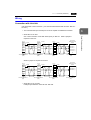
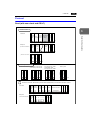
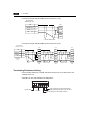
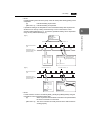
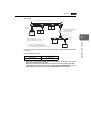
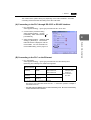
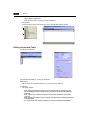
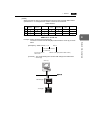
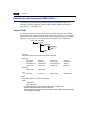
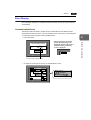
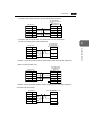
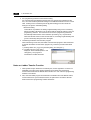
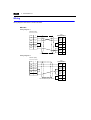
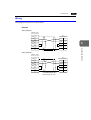
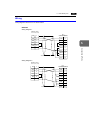
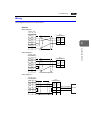
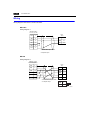
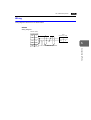
• In the RUN mode
Ethernet Error:XXXX
Screen No. :
Received Code No. :
Retry
Communication Error
Ethernet Error:XXXX
The error number is displayed here.
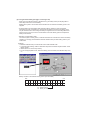
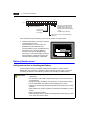
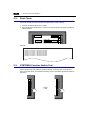
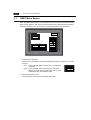
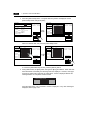
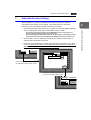
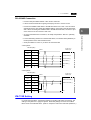
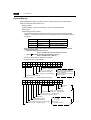
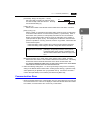
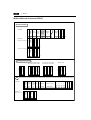
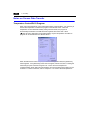
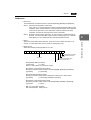
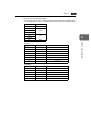
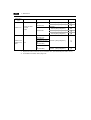
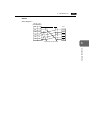
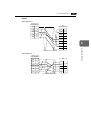
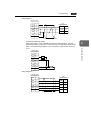
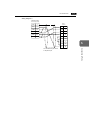
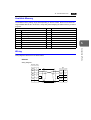
• To check the occurrence of an error on the Main Menu screen:
Main Menu
ZM-371TA
System Information
SYSTEM PROG. VER. 1.010
FONT
VER.1.300 / 1.000 / 1.000
ENGLISH
2002-4 -1
07:23:30
I/F DRV VER.1.310
YOKOGAWA FA-M3
Ethernet
Screen Data
PLC Type : YOKOGAWAFA-M3/FA-M3R(Ethernet)
Information Comment :
Size : 5783552
Error : Stop
Time-Out : 0.50 sec
Retry : 3
Ethernet Information
Trans.Speed : 10BASE-T
Stat. No. : 192.168.1.68
PORT: 10000
MAC: 0050FF000035
SRAM/Clock
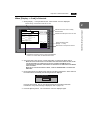
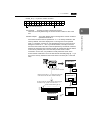
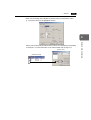
The error number is displayed here.
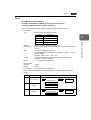
Ethernet
Editor:MJ1
Card
Menu
Ethernet Information
Trans.Speed : 10BASE-T
Stat. No. : 192.168.1.68
PORT: 10000
MAC: 0050FF000035 Error:XXX
I/O Test
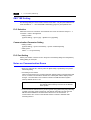
Network Communications
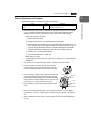
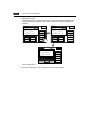
Communication Error
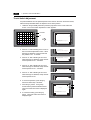
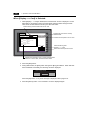
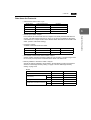
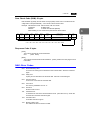
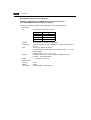
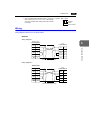
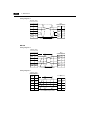
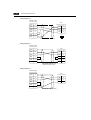
* When [Continue] is selected for
[Comm. Error Handling] in the
[Detail] tab window of the [Comm.
Parameter] dialog, a following
screen is displayed.
4