1
1
GETTING STARTED
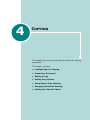
Thank you for purchasing this multifunctional product.
Your machine provides you with printing, copying, and
scanning functions!
This chapter gives you step-by-step instructions for
setting up your machine.
This chapter includes:
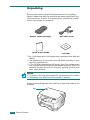
• Unpacking
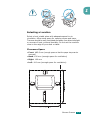
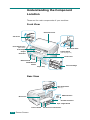
• Understanding the Component Location
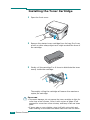
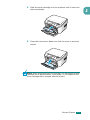
• Installing the Toner Cartridge
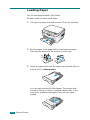
• Loading Paper
• Making Connections
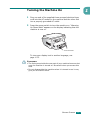
• Turning the Machine On
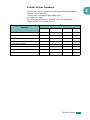
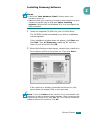
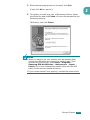
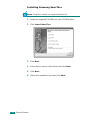
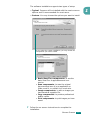
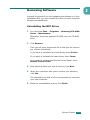
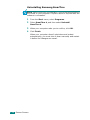
Installing Software
• About Samsung Software
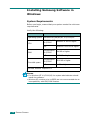
• Installing Samsung Software in Windows
• Repairing Software
• Removing Software
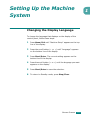
Setting Up the Machine System
• Changing the Display Language
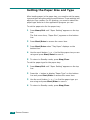
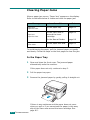
• Setting the Paper Size and Type
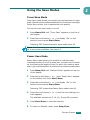
• Using the Save Modes