1
9.
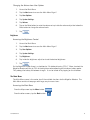
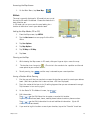
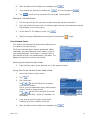
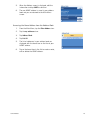
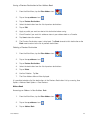
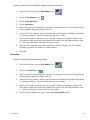
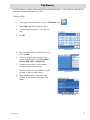
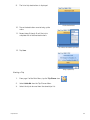
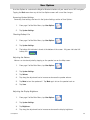
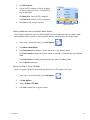
The list of trip destinations is displayed.
First Destination Added
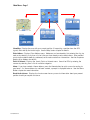
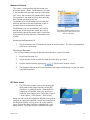
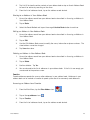
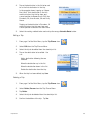
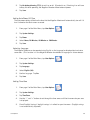
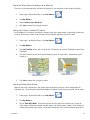
10. Tap on the destination name to bring up the
menu.
11. Repeat steps 5 though 9 until the trip is
complete with all desired destinations.
Tap on Heroes Bar & Grill to open menu.
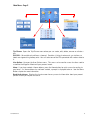
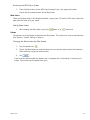
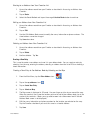
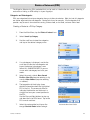
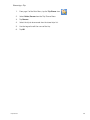
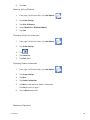
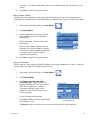
12. Tap Save.
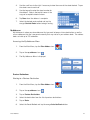
Saving completed trip.
Starting a Trip
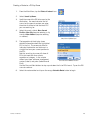
1.
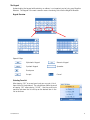
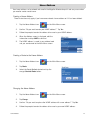
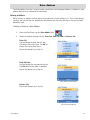
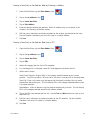
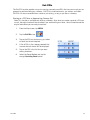
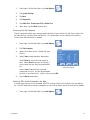
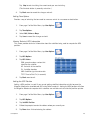
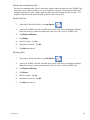
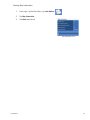
From page 2 of the Main Menu, tap the Trip Planner icon.
2.
Select Guide Me from the Trip Planner Menu.
3.
Select the trip to be used from the stored trips list.
Trip Planner
34