1
V i p e r s a t C o n f i g u r a t io n
NOTE
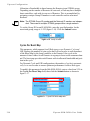
Note: Load switching must be Enabled for any SLM-5650A that will experience
changing load conditions in order for the VMS to dynamically optimize
network performance on these circuits.
STDMA Slot Capacity
This parameter field appears for Hub modems only.
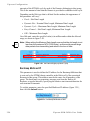
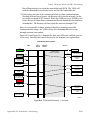
The STDMA Slot Capacity parameter allows setting the threshold or level of
slot capacity at which the Burst Controller sends a switch request to the VMS to
switch the Remote from STDMA mode to SCPC mode.
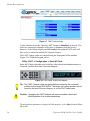
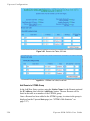
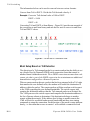
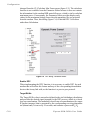
A default setting (95%) is provided, but there may be unique network configurations that require modifying the STDMA slot capacity value. To change this
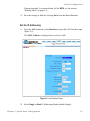
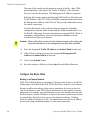
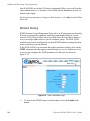
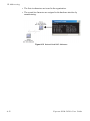
setting, enter a value from 0–100% as shown in figure 3-34.
Figure 3-34 STDMA Slot Capacity field
STDMA Switch Delay
This parameter field appears for Hub modems only.
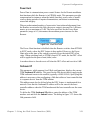
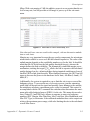
In order to minimize unnecessary switching from STDMA to SCPC due to transient conditions, such as a temporary spike in network traffic for example, an
STDMA Switch Delay parameter is provided. This setting is used to specify a
delay before a switch occurs.
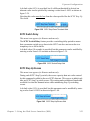
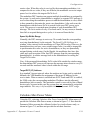
A default value (10 seconds) is provided, but this value can be changed to
accommodate a unique network configuration or application. To change this
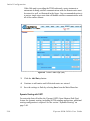
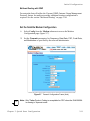
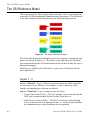
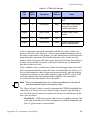
setting, enter a value from 0–50 seconds as shown in figure 3-35.
Figure 3-35 STDMA Switch Delay field
C h a p t e r 3 - U s i n g t h e W e b S e r ve r I n t e r f a c e ( W S I )
3-31