1
BASIC IMAGE RECORDING
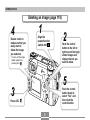
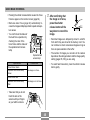
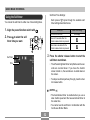
7. After confirming that
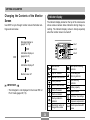
• Pressing the shutter release button causes the focus
frame to appear on the monitor screen (page 62).
the image is in focus,
press the shutter
release button all the
way down to record the
image.
• Multi-area Auto Focus (page 62) automatically focuses the image and displays shutter speed and aperture values.
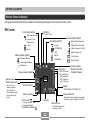
• You can find out the status of
the Auto Focus operation by
checking the color of the
focus frame and the status of
the operation/card access
lamp.
• Recorded images are temporarily stored in a buffer
from which they are stored to the memory card. You
can continue to shoot consecutive images as long as
there is space available in the buffer.
• The number of images you can store in the camera
depends on the storage medium and the image quality
setting (pages 95, 169) you are using.
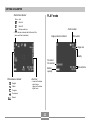
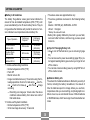
Operation/card
access lamp
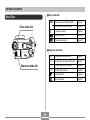
If you see this:
It means this:
• To avoid hand movement, press the shutter release
button gently.
Focus frame: Green
Operation/card access lamp:
Green
The image is in focus.
Focus frame: Red
Operation/card access lamp:
Red
The image is not in focus.
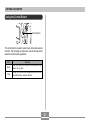
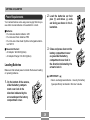
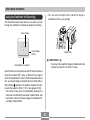
• Take care that you do not
block the lens or the
sensors with your fingers
as you hold the camera.
46