1
Connecting 3G/GPRS
To connect 3G/GPRS:
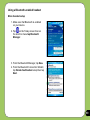
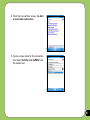
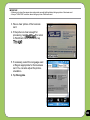
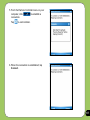
1. Tap Start > Settings > Connections
tab then tap Connections icon.
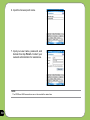
2. From the Connections screen, tap
Manage existing connections.
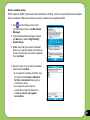
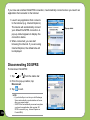
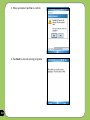
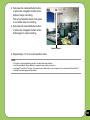
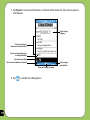
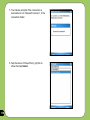
3. Tap and hold on an existing connection
then from the pop-up menu tap
Connect.
Tap Delete if you want to delete
selected connection setting.
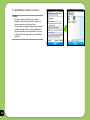
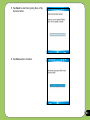
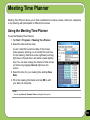
4.When connected, tap
to exit.
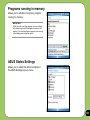
NOTE:
• When WLAN is used simultaneously with
the 3G/GPRS, the latter will get signal priority. We recommend not to use WLAN and GPRS at the same time.
69