1
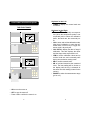
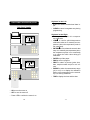
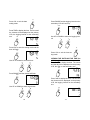
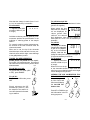
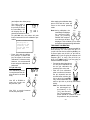
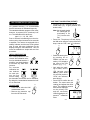
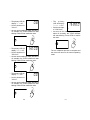
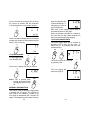
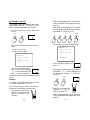
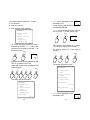
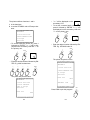
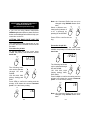
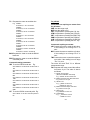
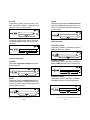
• To set the finishing time (choice #3), press
3 followed by ENTER.
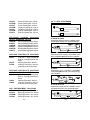
"P4.3" will be displayed on the secondary LCD with "0" on the primary one.
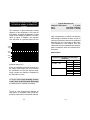
2/04
10.20
202
20.3
6.38
DATE
TIME
SAMPLE
°C
pH
2/04
10.25
203
20.4
6.39
DATE
TIME
SAMPLE
°C
pH
2/04
10.30
204
20.3
6.38
ENTER/
3
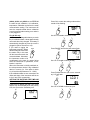
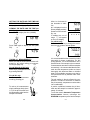
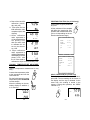
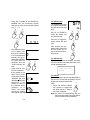
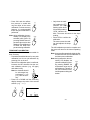
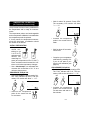
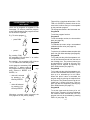
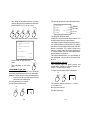
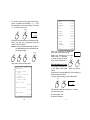
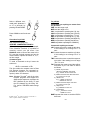
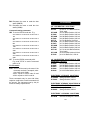
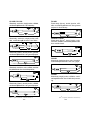
• Enter the desired number followed by ENTER. E.g. Finishing time 11:30.
Hours and minutes must be separated by
a decimal point.
1
DATE
TIME
SAMPLE
°C
pH
1
.
3
0
ENTER/
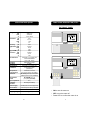
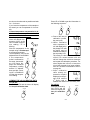
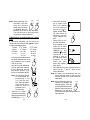
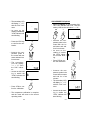
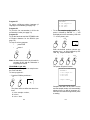
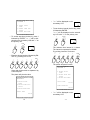
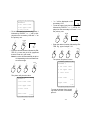
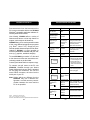
The "LOG" indicator is displayed
when the meter starts to log.
LOG
The printer will print the value.
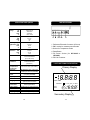
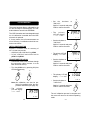
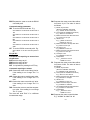
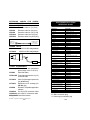
PROGRAM 4
1 enter start
time
2 enter time interval
3 enter end time
start time
10:20
time interval
00:05
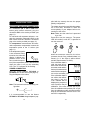
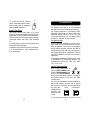
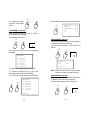
When the instrument
is in this mode and
you want to stop before the end time,
press PGM plus 0.
72
0
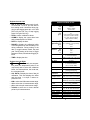
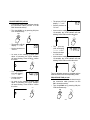
PROGRAM #5 (pH 302)
This is the same as program #4 except that
function "3" allows you to select an interrupt
value for pH/mV instead of end time.
When this interrupt value is exceeded, the
program prints the hour and minute of the
endpoint.
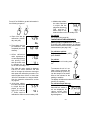
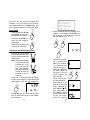
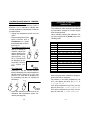
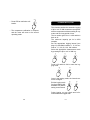
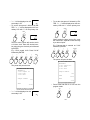
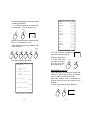
To enter the program press PGM plus 5.
PGM
finishing time
11:30
PGM
5
73