1
166
Infotainment system
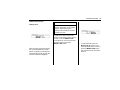
Power door locks
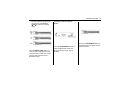
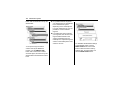
- Auto door unlock: Activate or
deactivate the automatic door
unlocking function after switching
off ignition.
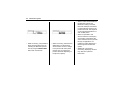
Remote locking, unlocking,
starting
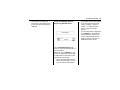
- Remote door unlock(Passive
Entry Unlock: Change the
configuration to unlock only the
driver’s door or the whole vehicle
whilst unlocking.
- Remote door unlock(Passive
Entry Lock: Select Horn on
passive door lock, On or Off.
- Remote left in vehicle alarm:
Select On or Off.
Restore factory settings: Reset all
settings to the default settings.
Phone (only for Type A
model)
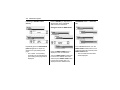
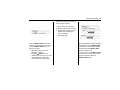
Bluetooth
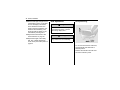
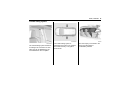
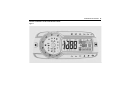
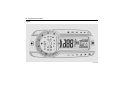
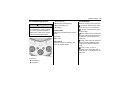
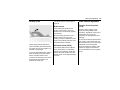
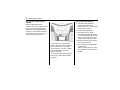
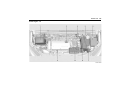
Main buttons/Control knob
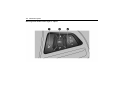
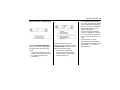
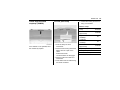
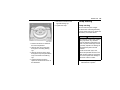
The following main buttons and
controls are used to play music files
or use the call functions via a
Bluetooth device.
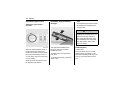
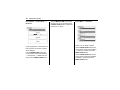
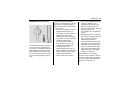
(9) CD/AUX button
When a Bluetooth device with
a music player function is
connected, press this button
repeatedly to select Bluetooth
audio play mode.
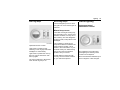
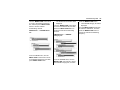
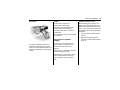
(14) MENU-TUNE button with
control
• Press the button from
Bluetooth phone mode to
display the menu screen.
• Turn the control knob to
move to the menu or
setup value.
(8) tSEEKu buttons
• Press these buttons in
Bluetooth audio play
mode to play the previous
or next track.
• Hold down these buttons
to rewind or fast forward,
and release to play at
normal speed.