1
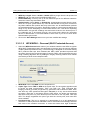
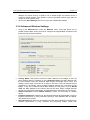
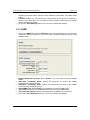
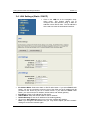
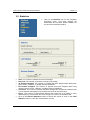
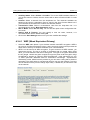
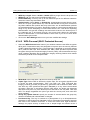
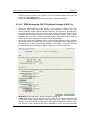
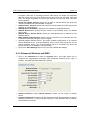
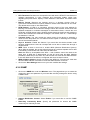
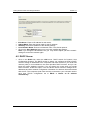
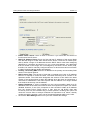
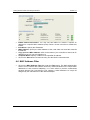
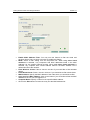
11a/b/g Wireless Multi-Client Bridge/AP/WDS Version 2.1 encryption. Note that, if the bridge uses the AES option, the bridge can associate with the access point only if the access point is also set to use only AES. TKIP and AES. The bridge negotiates the cipher type with the access point, and uses AES when available. Group Key Update Interval: Specify the number of seconds before the group key used for broadcast and multicast data is changed. Authentication Timeout: Specify the number of minutes after which the client will be required to re-authenticate. RADIUS Server IP Address: Specify the IP address of the RADIUS server. RADIUS Server Port: Specify the port number of the RADIUS server, the default port is 1812. RADIUS Server Shared Secret: Specify the pass-phrase that is matched on the RADIUS Server. MAC Address Authentication: Place a check in this box if you would like the user to always authenticate using the same computer. Optional Backup RADIUS server: This option enables configuration of an optional second RADIUS server. A second RADIUS server can be used as backup for the primary RADIUS server. The second RADIUS server is consulted only when the primary server is not available or not responding. Click on the Save Settings button once you have modified the settings. 4.3.5 Advanced Wireless and WDS Click on the Advanced link under the System menu. This page allows you to configure the fragmentation threshold, RTS threshold, transmit power, layer 2 isolation, and WDS (wireless distribution system). Antenna Selection: Select Internal Antenna, unless you are using an outdoor device. Fragment Threshold: Packets over the specified size will be fragmented in order to improve performance on noisy networks. Specify a value between 256 and 65535. The default value is 2346. 45