1
Using team functions
Step by Step
Using team functions
If configured (consult your service personnel), your telephone is part
of a team. The team consists of internal phones that are able to use
certain functions.
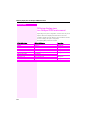
Activating/deactivating a group call
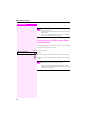
Special features must be taken into consideration if your telephone operates with Octopus F IP-Netpackage (system networking via PC network) Æ page 105!
If configured (consult your service personnel), you belong to one or
more groups of stations, which can be reached via hunt group or
group call station numbers.
Incoming calls are signaled one after the other (= hunt group) or simultaneously (= group call) on all phones in the group, until a group
member answers the call.
Each station in the group can still be reached via their personal station number.
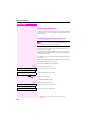
You can activate and deactivate the audible signal for a hunt group,
group call or individual trunks in a group.
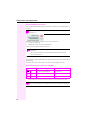
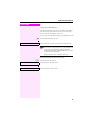
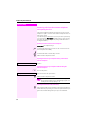
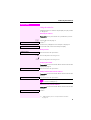
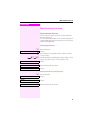
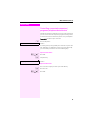
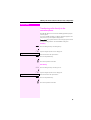
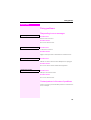
You are part of a hunt group or call group
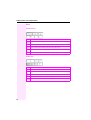
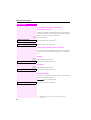
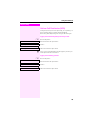
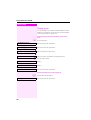
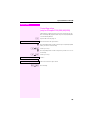
: Open the idle menu Æ page 18.
Select and confirm the option shown[1],
Leave group?
or
select and confirm the option shown.
Join group?
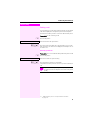
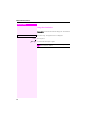
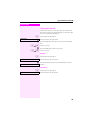
S or R Press the "Hunt group" key.
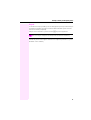
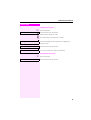
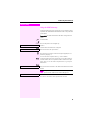
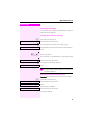
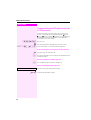
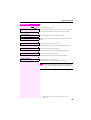
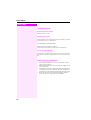
You belong to multiple groups
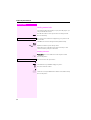
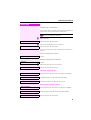
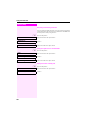
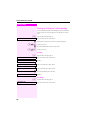
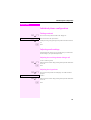
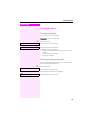
: Open the idle menu Æ page 18.
Select and confirm the option shown[1],
Leave group?
or
Join group?
select and confirm the option shown.
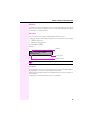
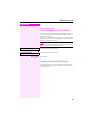
[1] „Differing display view in a Octopus F900 environment“
Æ page 114
100